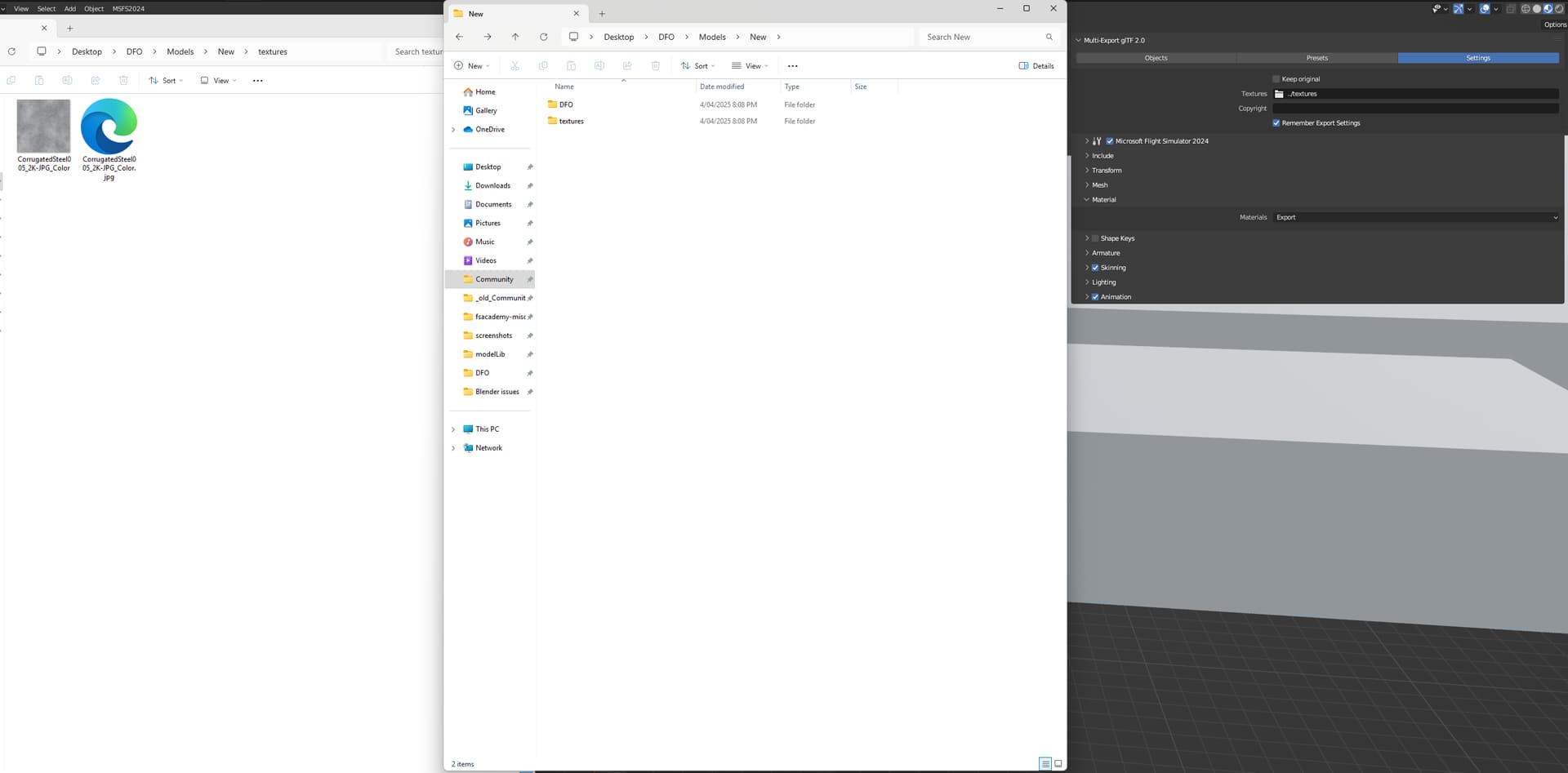
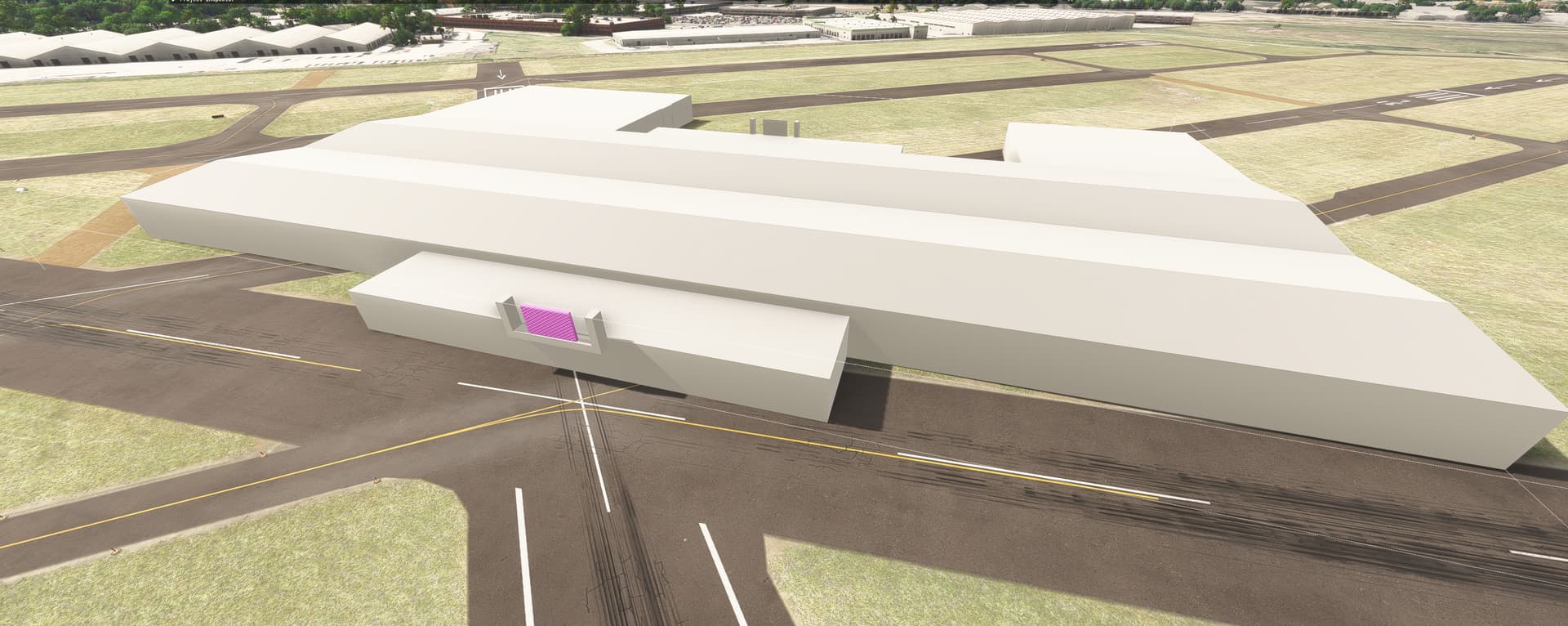
Blender export - pink textures MSFS2024

Version: 1.14.10.0 STEAM

Frequency: Consistently

Severity: Blocker

Marketplace package name: if applicable

Context: When exporting blender (Blender 3.6 LTS) models no matter what I seam to be getting pink textures

Similar MSFS 2020 issue: insert url here if applicable

Bug description:
Past projects seam to export fine into the simulator (2024) with sometimes pink textures but rarely. Now its all the time - I’ve tried multiple textures, from ambientcg and custom ones I’ve made with no luck

Repro steps:

Make a basic blender model, apply a basic color texture PNG, export to sim

Attachments:
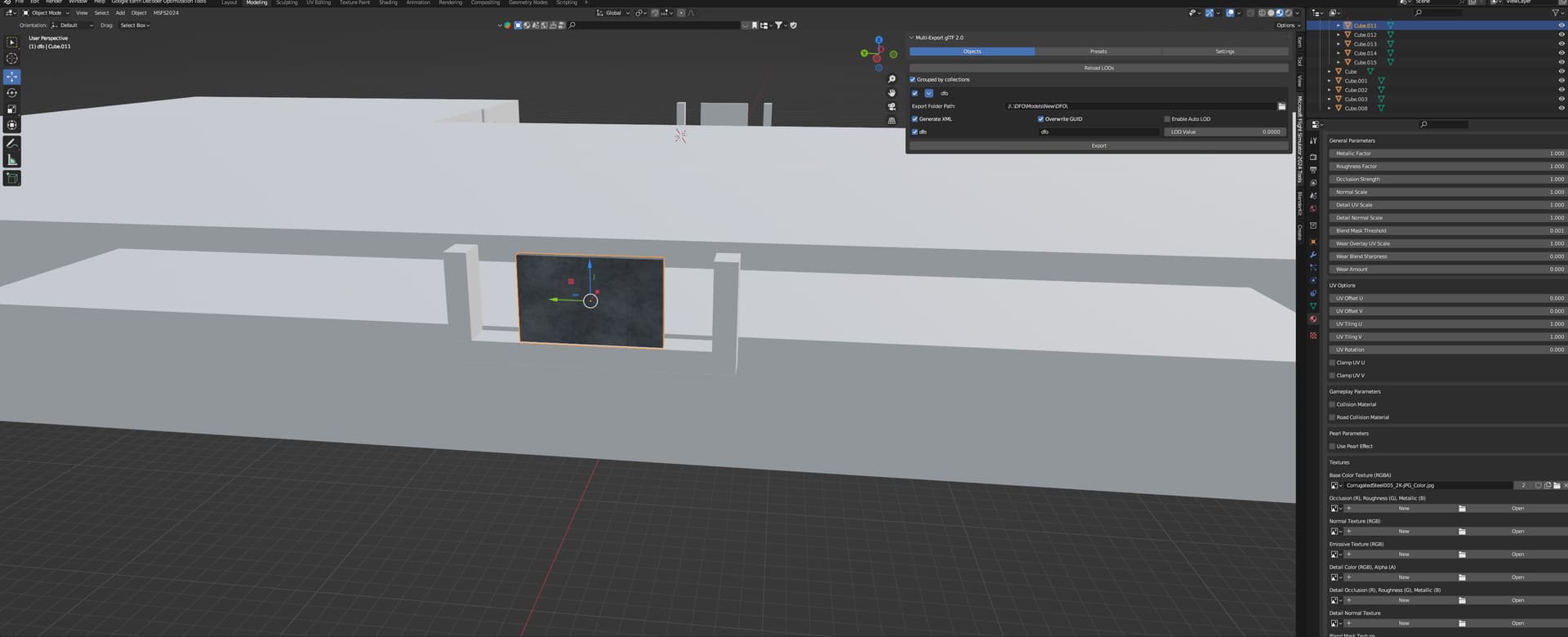


Private attachments: Send a PM to @PrivateContent with the link to this topic and the link to download your content

it should be “texture” not “textures”

Hello @Simblitz

Can you confirm whether using “texture” instead of “textures” for your textures folder resolves the issue, as suggested above by @MichaelWimma-RWProfiles ?

Regards,
Boris

I’ve tried everything and nothing works at the moment. Textures are in the right folder (TEXTURE)

A number of things to check.

No space in texture name.
What does the console log show in the sim build process?
Is the image file size divisible by 4. You said you got texture from outside source.
What does the system console log say in blender exporter.

Do you have keep original unchecked. If checked and you added a new texture to your project. The exporter did not have a chance to export it from blender to the projectsources ( or scenery specific) folder.

This is from console log in the sim build process:

PackageBuilder | Triggering asset reload because of files: “C:\Users\armas\Documents\MyFSProjects\TEST-Project\PACKAGESOURCES\SCENERY\TEST-PROJECT\MODELLIB\TEXTURE\GLASS_NORMAL.PNG”

That does not look like an error. Post thered errors if you have any

There’s no compiling errors. I have no idea what might be wrong.

In 2024 all Textures have an xml file as well as the original png. I have had many cases where the xml was missing and needed to be added manually. Only the xml file name needs to be changed.

2 Likes

Thank you!!! This is what I have missed.