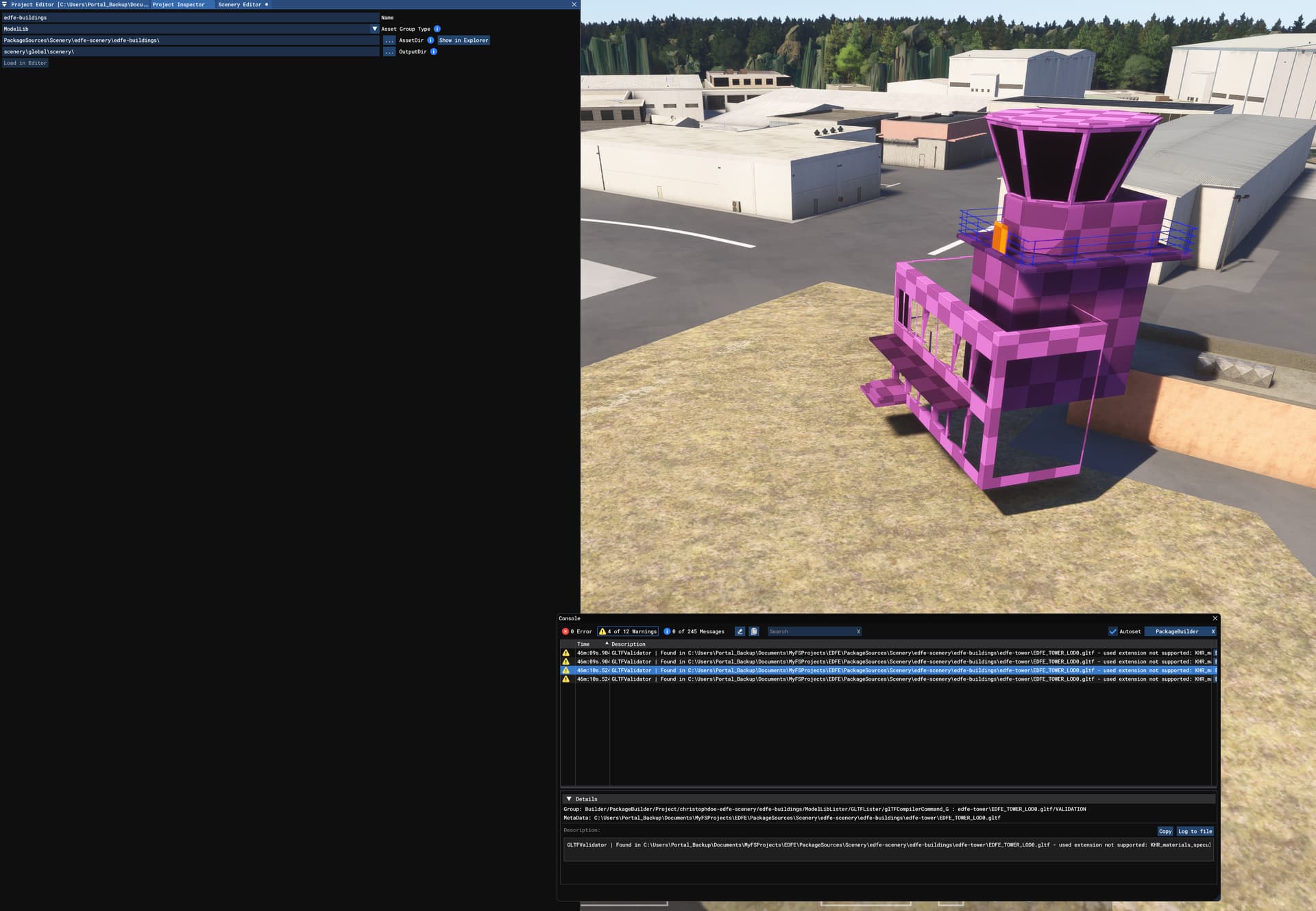
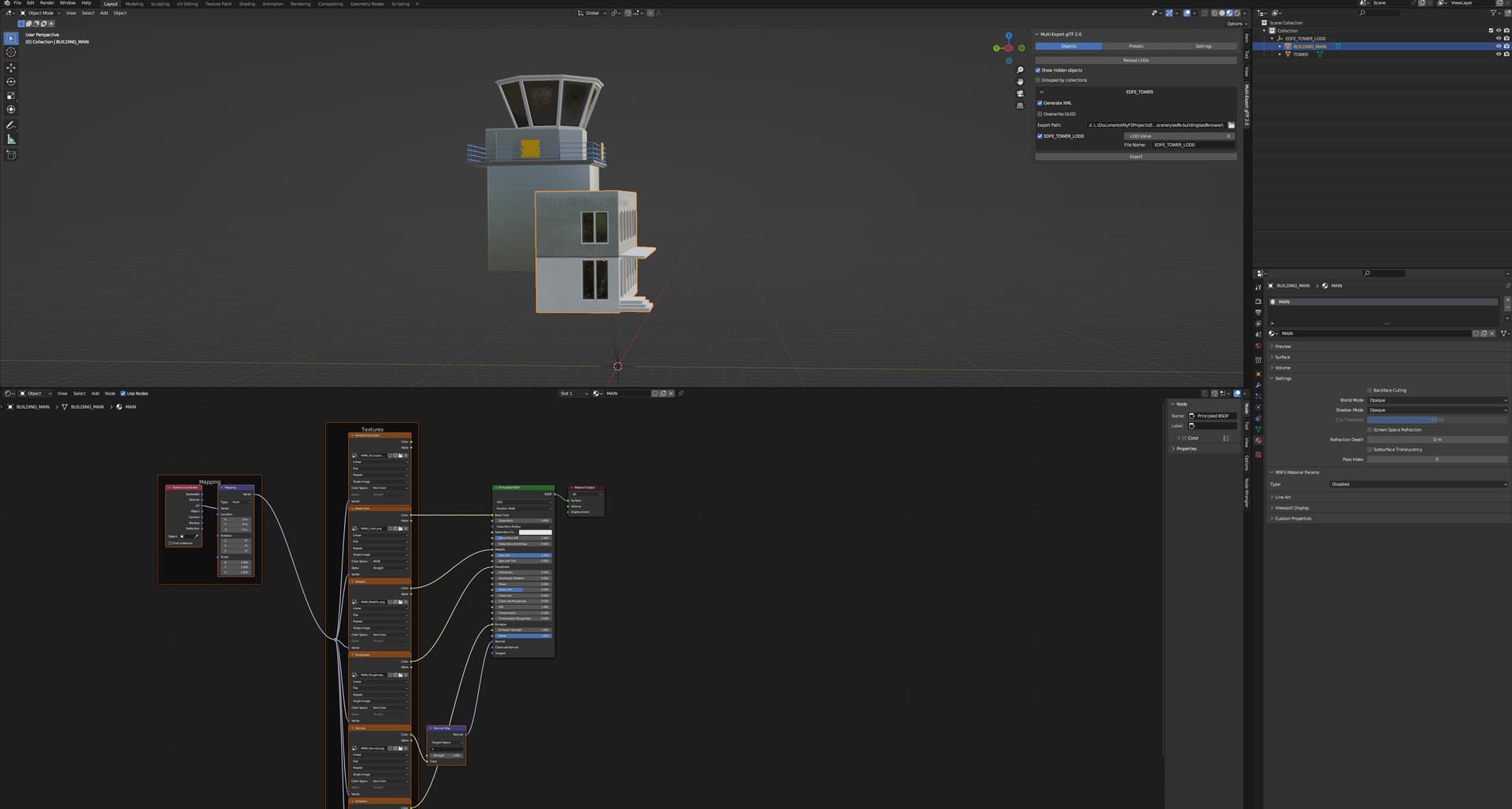
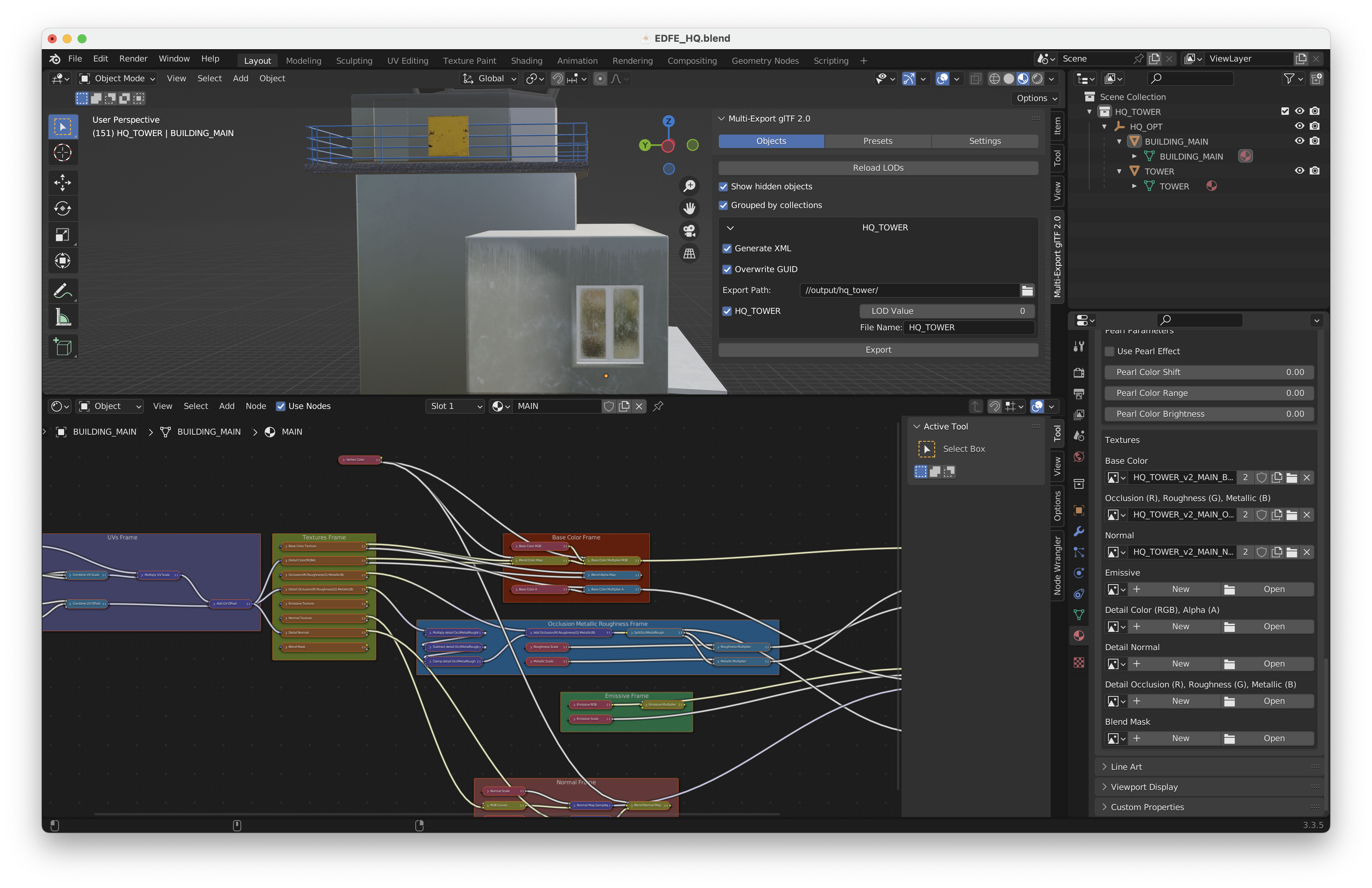
Hey,
I’m trying to import a custom model to an existing airpot scenery in MSFS24. The model is importet to blender (3.3 LTS and 3.6 LTS), textures are linkes via node wrangler, but when I use the gltf msfs plugin I don’t get any xmls for the textures.
Also Blender is not showing me the “Migrate Material Data” button in the material properties. I tried on Mac as well as on Windows.
I exported the gltf and textures directly to PackageSources and my folder destination for the textures is set to “…/textures”
I dont’t have the “create texture lib” settings in the gltf plugin settings as well.
What are some things to try for me? Thanks
thanks for your reply and sorry for posting in the wrong topic.
- I have the asobo MSFS gltf import/export plugin. Do I need anything else?
- I switched to the Standard MSFS shader and set it up manually with the textures (from substance painter)
- used “/texture” now instead of “/textures”
still no .xmls for the textures.
yes sir,
you need the 2024 plugin, in your picture there is the 2020 one
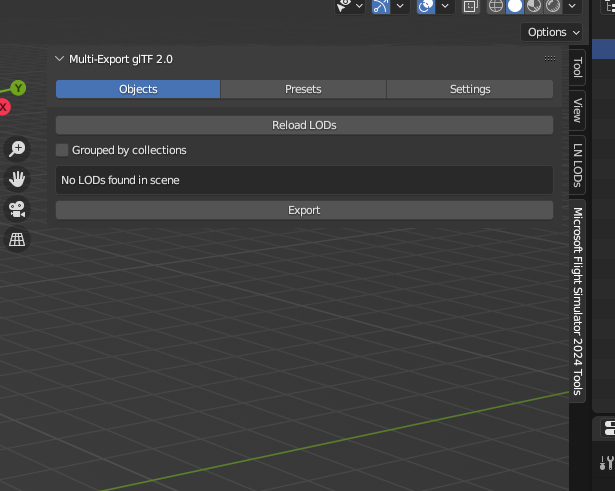
you can find it in the 2024 in the SDK Core download available in game
Thanks! One step closer.
I just downloaded the plugin from the github page… unknowing it was the legacy one.
It’s not outputting texture at all now, but I start debugging that from here on.
Got it working now!
Thanks again for your help.