Default Approach Lights and PAPI Light Models Missing

Version: 1.1.9.0

Frequency: Consistently

Severity: High

Marketplace package name: RW Profiles KSGF Springfield Branson

Context: When in community folder

Similar MSFS 2020 issue: Not an issue in 2020

Bug description:
Default approach lights and PAPI light models missing

Repro steps: Load Package in 2024

Attachments:

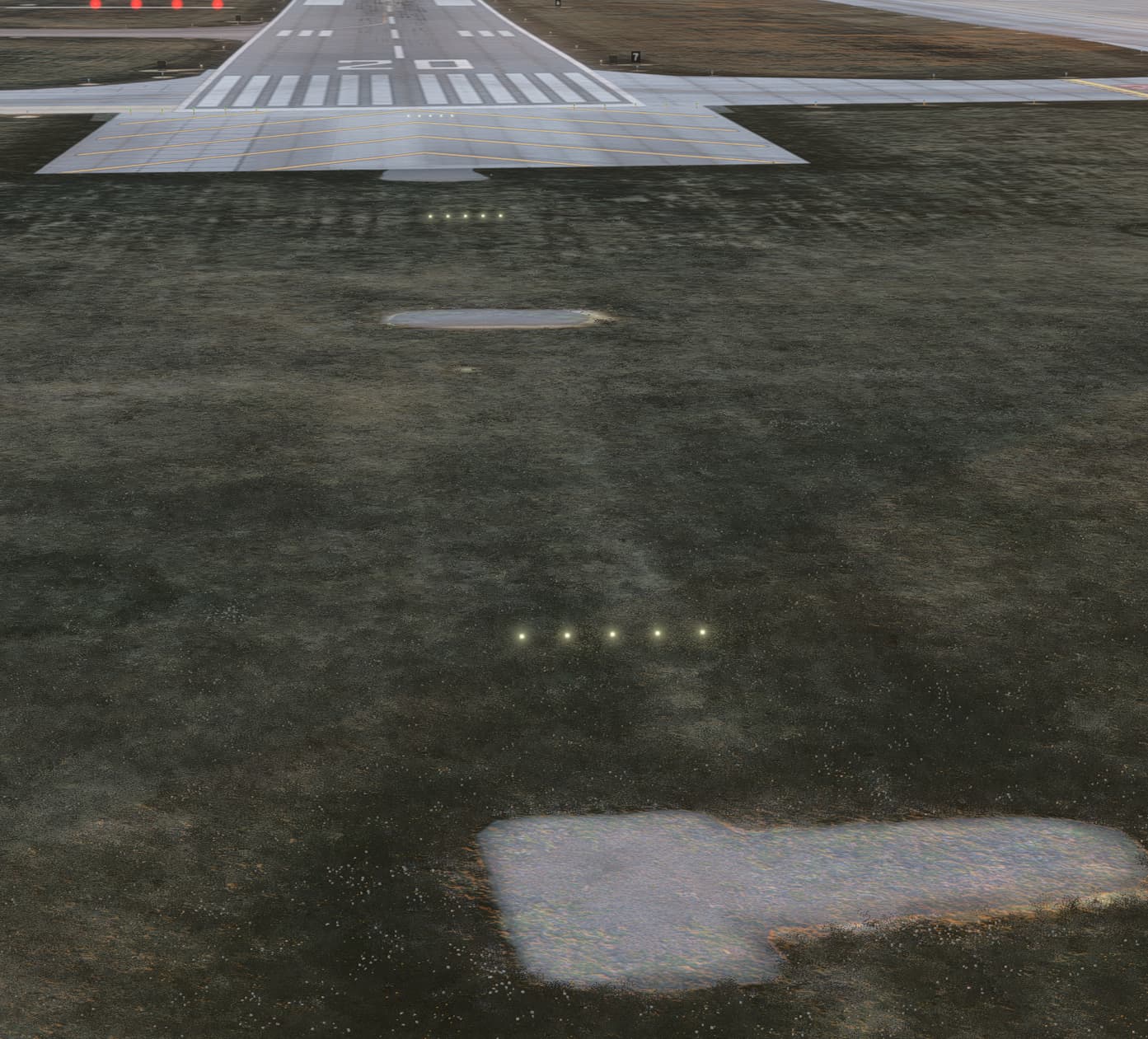
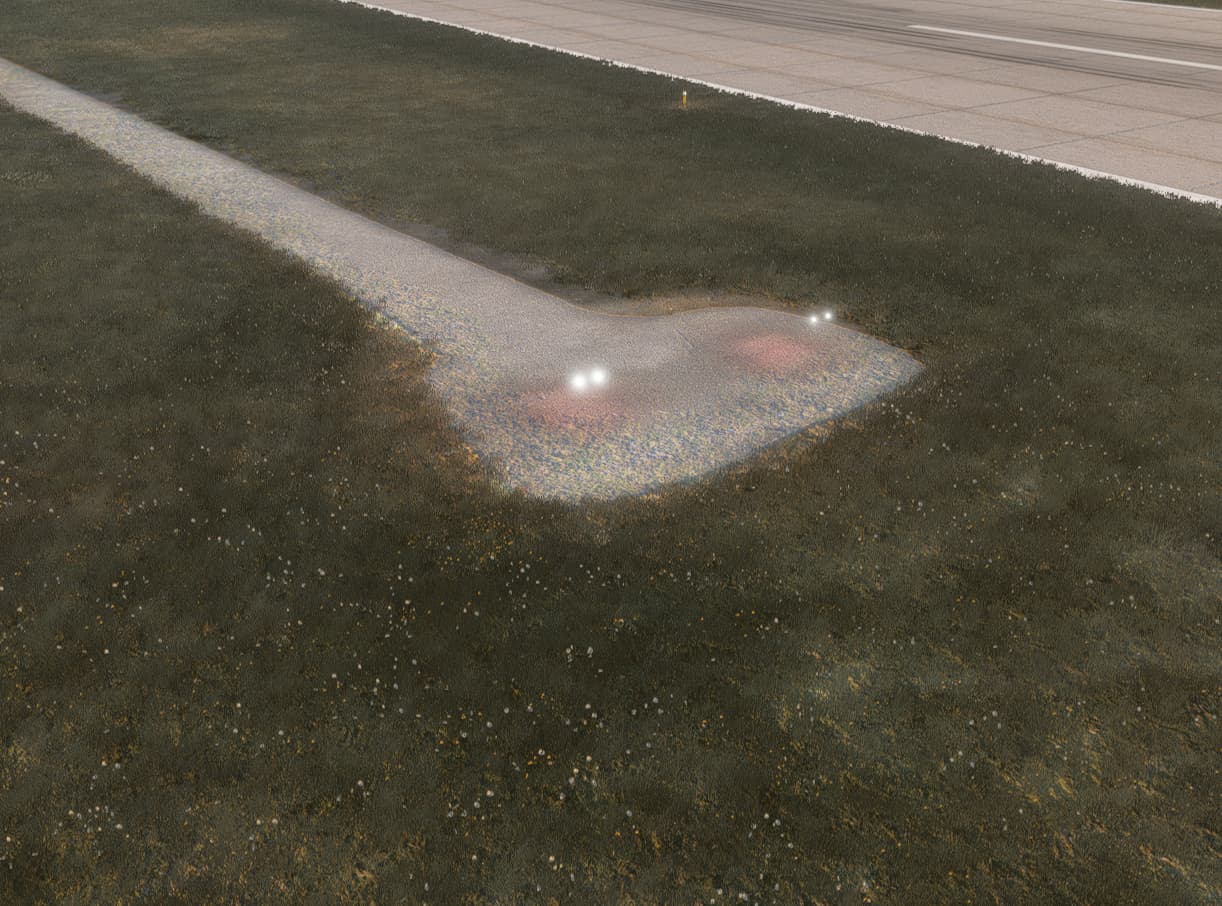
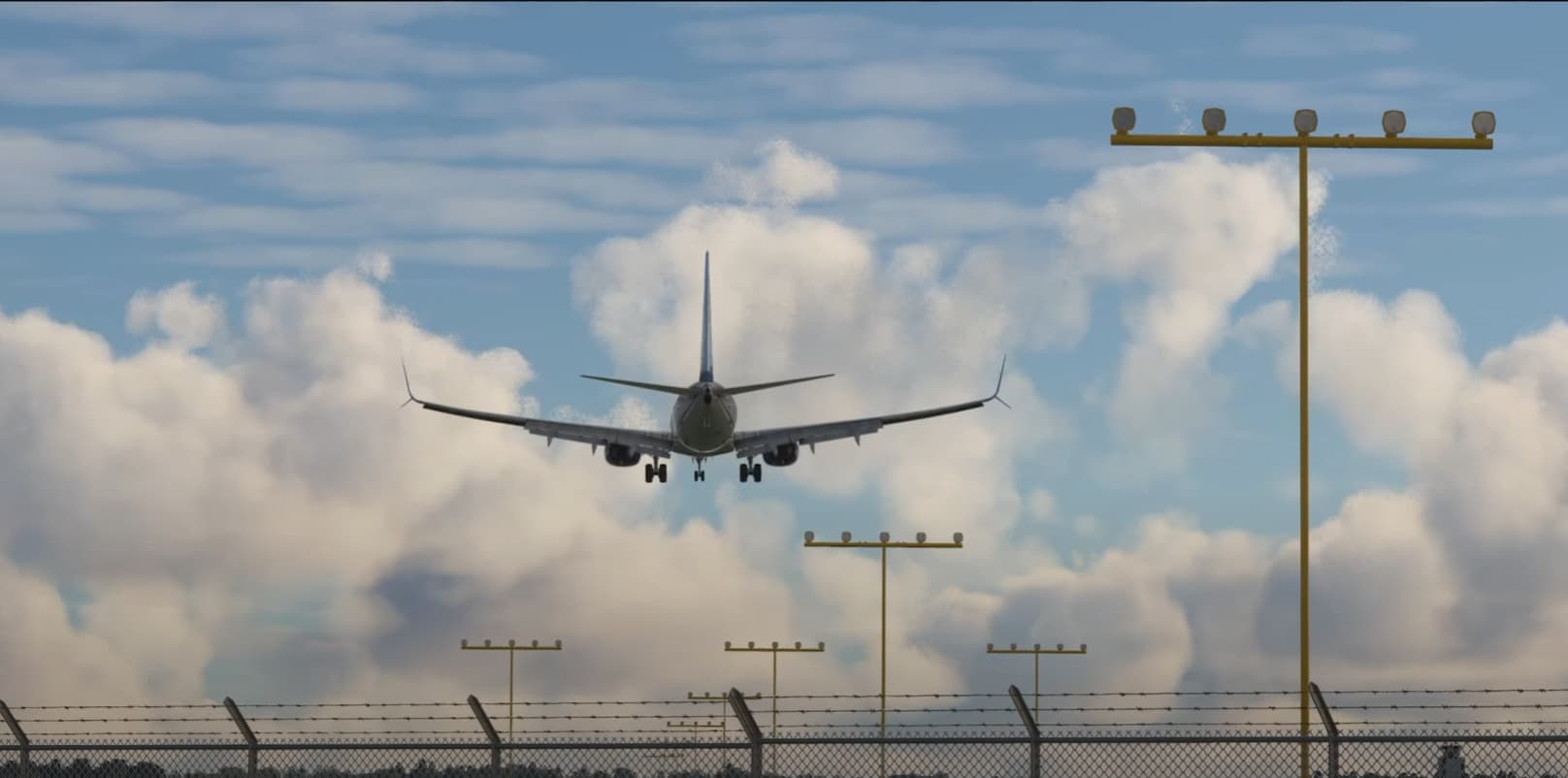
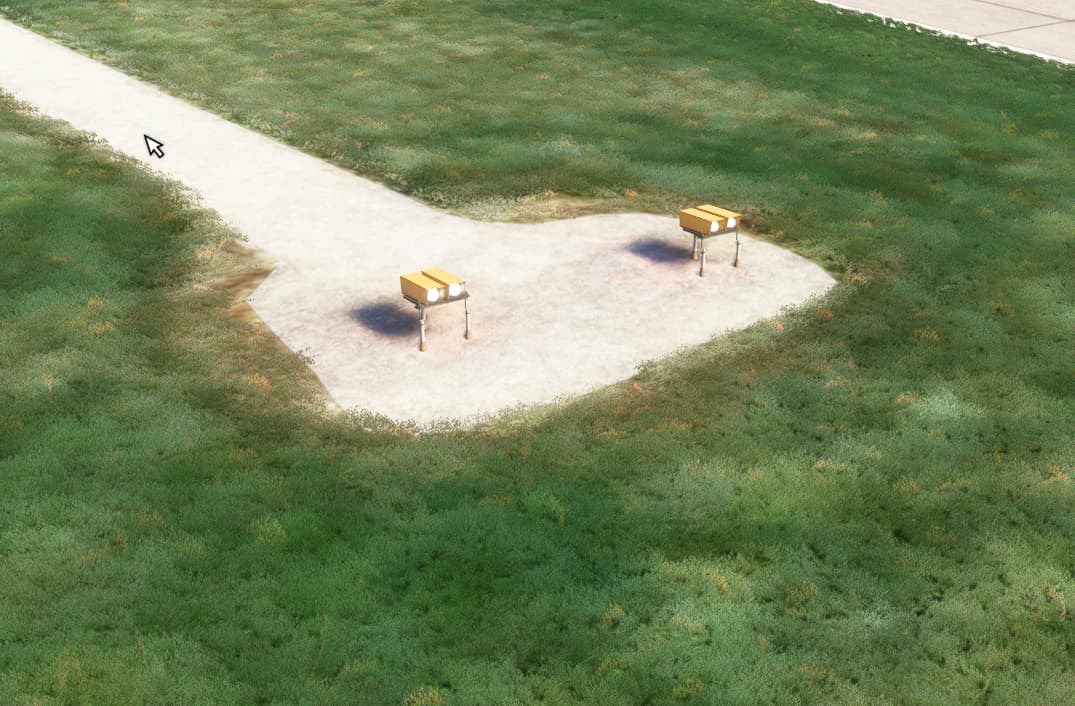
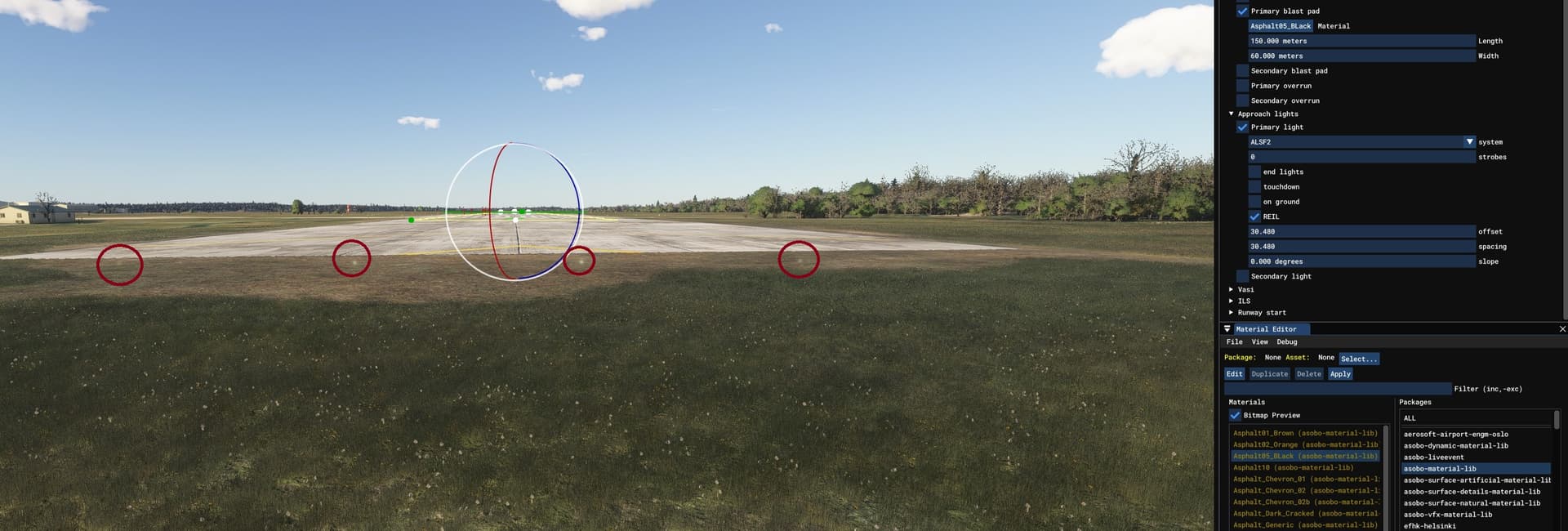
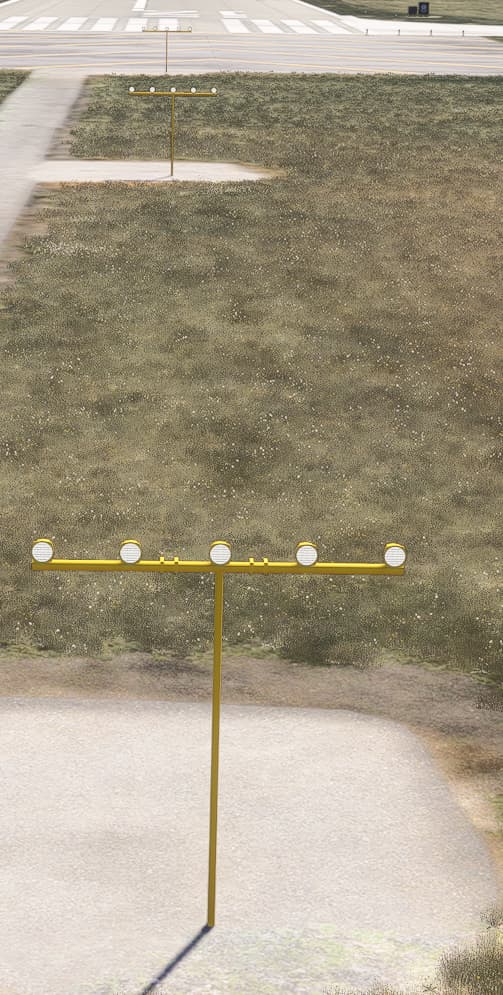
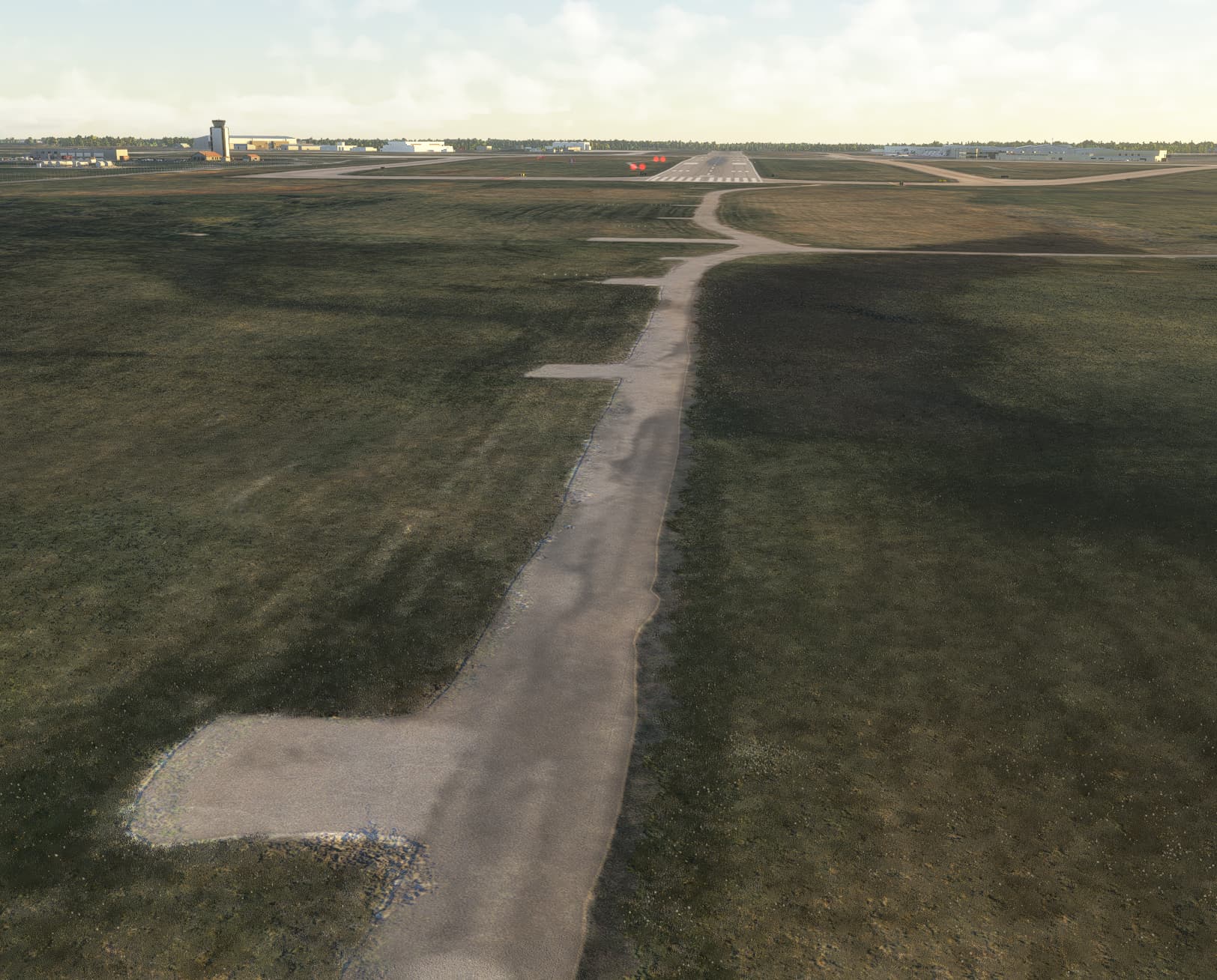
As you can see in the screenshots, the default models for approach light and PAPI lights are not visible in 2024

This is 2024


And this is 2020, working as intended


1 Like

Default PAPI lights work for me, but the default approach lights are invisible. Just light blobs are visible.

yes, since dev alpha… :smiling_face_with_tear:

Oh good to know… Yet another step backwards then I assume :frowning:

1 Like

This seems to be fixed in SU2, thank you!

I’ll bet the issue was related to the LOD switching? Glad to see they created an exception or whatever it took to fix it.

Actually it was not a lod issue. In 2024 airport lights use the instancing system (the same as Vector placement) but it was not able to support meshes with multiples nodes or when the mesh root was exported with a translation or rotation.
In SU2 it has been fixed and these types of meshes are supported.

Regards,
Xavier / Asobo

3 Likes

Hello Xavier,

I wanted to report that the approach lights are now gone again with the latest update 1.4.11.0

2 Likes

It did seem to be fixed in the SU2 betas, but in the release version, the problem seems to have returned.

1 Like

Hello,

We are aware of the issue.
Unfortunately the fix didn’t make it into SU2, but it should be available in SU3.

Regards,
Boris

2 Likes

The lighting systems and fixtures appear 100% in my sim if I first spawn into any default airport, then back to the problem airport. Activates all other airports with the faulty lighting. Hope that resolves the issue for all msfs 2024 users.

1 Like

Perhaps it’s a language thing, but, while I appreciate the workaround, a workaround does not “resolve the issue for all users”, especially a workaround as complex as what you posted. But, yes, some people may find that useful. But most users wouldn’t resort to doing such a thing.

Or, perhaps you meant that you hope the fix which will hopefully be in SU3 will resolve the issue for all users?

Thanks for the feedback. I posted this as a temporary workaround until for ex. SU3. So I meant it as resolved temporarily.

1 Like

And my comment is, it’s not resolved, and that’s not the word to be used there. There is a work around for the time being, and thank you for pointing it out for those who are ok with using work arounds..

1 Like

This does not work for me and it is even bugged at default airports..

Hello @darwikey and @Boris

So, since we are now starting to work on 2024 projects I came across this issue again since it also affects fully custom native 2024 lightrows. And, after some digging, I am extremely confused as to what is going on. I tried the last 3 hours trying to get to the bottom of it, but nothing makes sense.

What I did was to check different types of lightrows and airport lighting configurations to find some consistency of their disappearance. I had a look at:

  • default 2024 airports with default lighting

  • 2020 sceneries that use lightrows with custom models

  • 2020 sceneries that use lightrows with default models

  • 2020 sceneries that use default generated lighting without using a lightrow

  • 2024 sceneries that use lightrows with custom models

  • 2024 sceneries that use lightrows with default model

The thing is, I still cannot figure out what’s causing it and which lightrows work and which don’t:

2024 Default Airports
So as far as the default airports go it seems that taxiway lighting seems to work almost all the time. Taxiway centre as well as edge lights are displayed correctly with the mesh. However, runwaylighting is inconsistent. Yesterday when I loaded into a default airport every model showed up correctly. Taxiway and runway light models. Today when I tried again to do more research I can only see taxiway light models but not runway lights. The runway only has the light itself, but not the model itself.

2020 sceneries with default runway approach lights
Runway approach lights and PAPIs, as reported back in April, are also still/again missing. They worked fine in SU2, as reported on March 29, but in the SU3 beta they are gone again.

2020 sceneries with lightrow + custom models
Those seem to work all the time. I wasn’t able to find an airport with such configuration where it did not work

2020 sceneries with lightrow + default models
Same as the above, those also seem to work all the time and the 2024 default model is displayed correctly

2024 sceneries with lightrow + custom models
This is where it gets complicated. So I made my own custom native 2024 build where I used custom models and custom lights using a lightrow. They show completely fine in the editor, but in the built package the model is missing.

Then I checked iniBuilds’ LCLK because I new this uses lightrows with custom models too. There the models do show up in the built package too. This is the first confusing part because I don’t know why all custom lightrows would work there, but not for me or in some other packages.

2024 sceneries with lightrow + default models
This makes it even more confusing. I checked 2 sceneries here: iniBuilds’ EGKK and EGLL. Both use lightrows with default 2024 models. Here every model works at EGLL, but at EGKK it is similar to the 2024 default airports where taxiway lighting works fine, but the models for the runway lights are missing.


All in all this is really confusing because I cannot figure out what the actual cause is and why some work and some don’t. Also weird is that 2020 lightrows work fine in 2024, while 2024 native things seem to work worse and more inconsistent than 2020 backwards comp sceneries.

See, not having approachlight models or PAPI’s displayed, whilst still being an issue, is not a gamebreaker for me a least. However, not having taxiway or runway lighting is an absolute blocker. Especially when you are not using a default light, but actually have the lens flare on the model itself. Because this means that if the model is not displayed you have no runway or taxiway lighting at all.

I hope this detailed report and investigation helps, and I would appreciate a quick fix since this has been an issue for over 8 months now as it was initially reported back in November 2024, and was seemingly fixed in SU2.

Best,
Michael.

1 Like

If it helps your testing, under the header " 2024 sceneries with lightrow + custom models":
My 2024 ENSH uses lightrows with custom models, and they work fine for me. Single nodes and all transforms applied.


Yeah same with my models. It’s just so weird and seems so random. I have heard other people say sometimes their custom models work and sometimes they don’t. It is really inconsistent.
image

Have you tried without the light to see if that makes a difference?

Yes, makes no difference. In fact now no mesh shows at all for me! I have now tried Default, Custom without light attached, and custom with light attached. Nothing shows in the built package.


Left Taxi Centre = Default
Right Taxi Centre = Custom + light

Left Taxi Edge = Default
Right Taxi Edge = Custom + light

None of them show any mesh whatsoever

And now, even in the editor, the Default ones seem bugged. Taxi edge default doesn’t show but taxi centre default does!

Left custom right default


This is beyond confusing and frustrating!