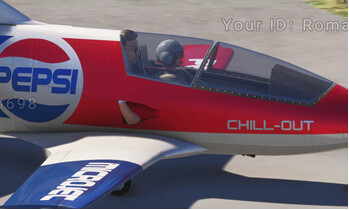
Default pilot figure appearing even if not configured in MSFS2020 aircraft.cfg file

Version:1.0.72.0

Frequency: Consistently

Severity: High

Context: all MSFS2020 packages using modeled pilots

Bug description:
Default MSFS2024 pilot appears (standing) even if no pilot is configured in the MSFS2020 package.
Not configuring a pilot in MSFS2020 was intentional in order to use custom modeled pilot figures - more appropriate for each plane.

Repro steps: loading any aircraft with “modeled” pilot figures (e.g. IndiaFoxtEcho MB.339) seem to cause the glitch. Pilot figure appears.

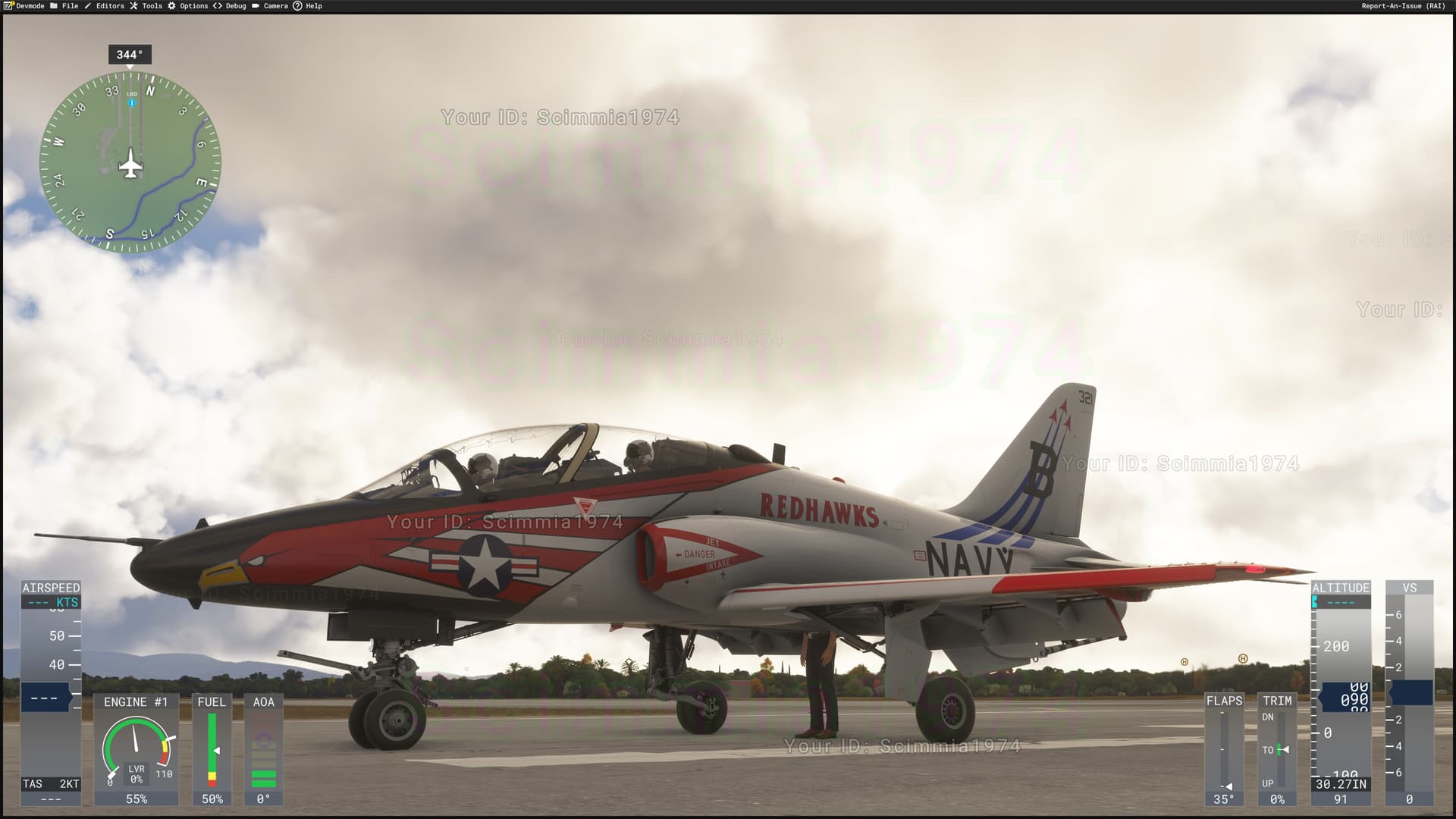
Indiafoxtecho T-45 - pilot showing
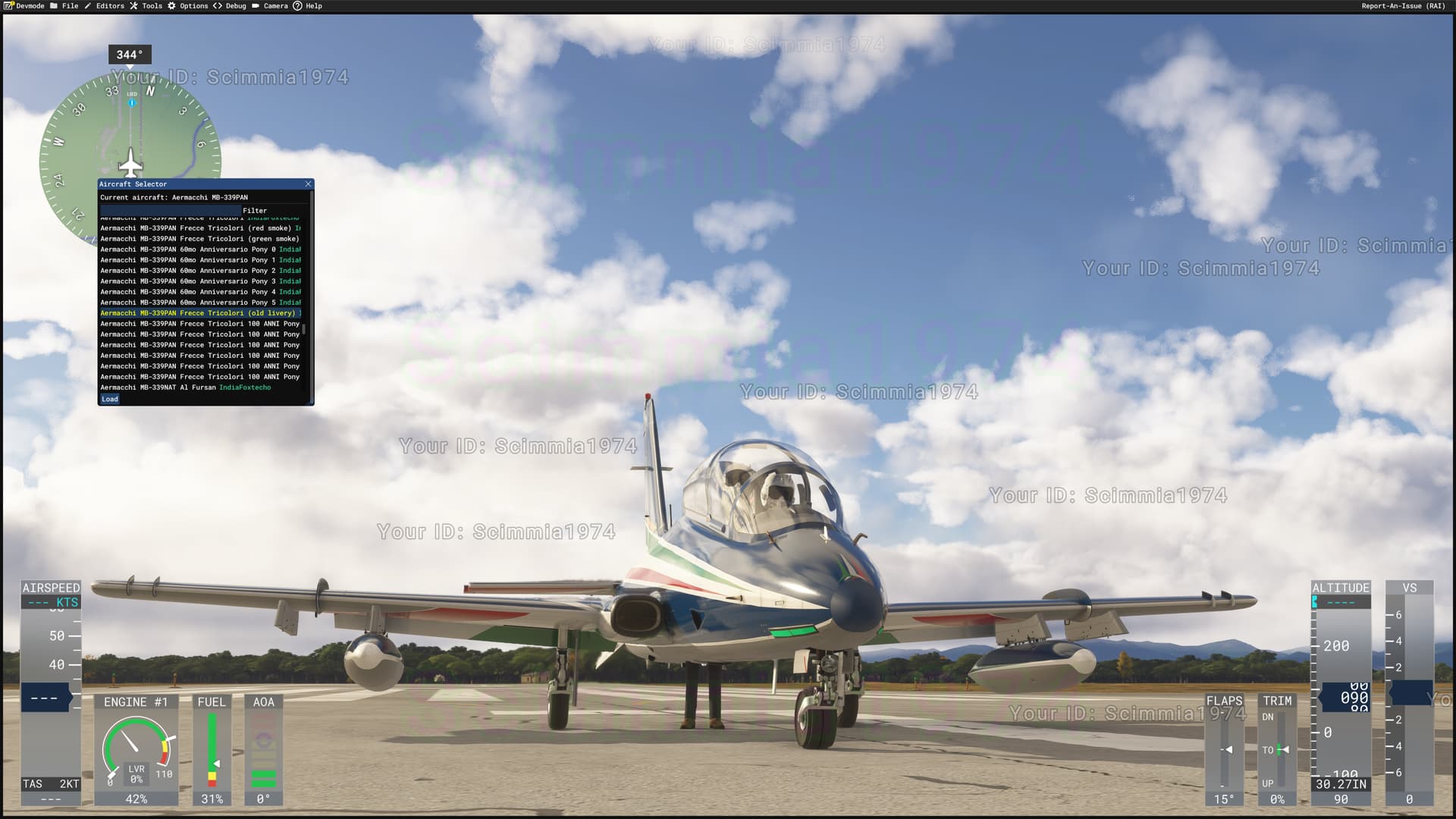
Indiafoxtecho MB-339 - pilot showing (legs visible below fuselage)
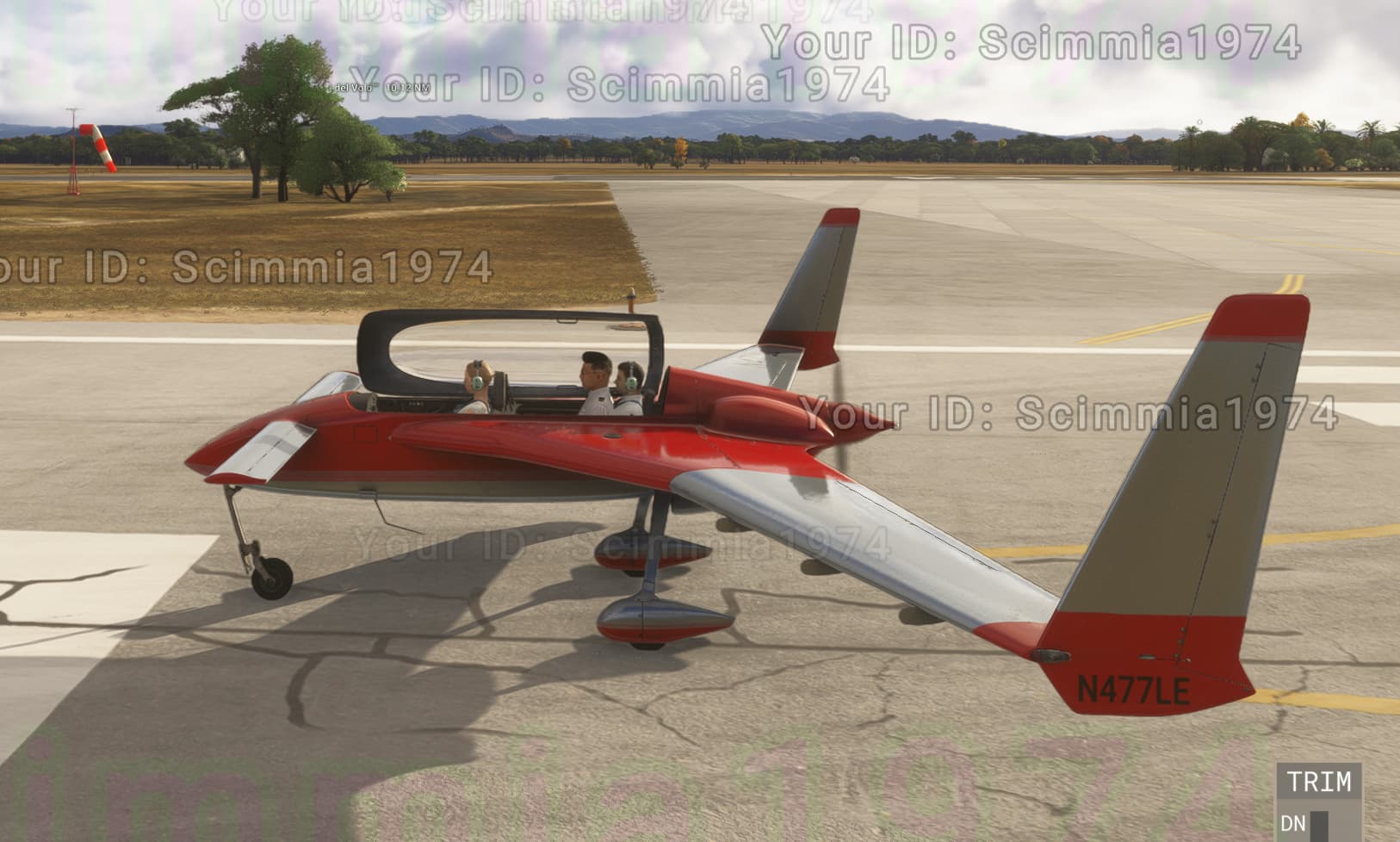
Another example - pilot appears in the Long-EZ in MSFS2024 but does not in MSFS2020:

Same here.
Attach node set in aircraft.cfg, but the node is not part of the model.
Pilot appears anyway. Only in FS24

image

Hello @Scimmia1974

Sim Update 1 has a fix for this problem.
Please check you now have the expected behavior in flighting version 1.3.7.0.

Regards,
Sylvain

Is there a defined way to disable the 2024 avatar appearing inside a MSFS2020 aircraft package in MSFS2024? We have aircraft models where everyone seen in multiplayer has their 2024 avatar standing up through the cockpit canopy while they’re flying.

Hello @B21

Please open a dedicated bug report and tell us which package we should check.

Regards,
Sylvain

Ah, ok. I thought it was a config requirement rather than a bug.

This topic has been automatically closed after 60 days of inactivity since it was marked as fixed.

If there is important new information about this same report, you can use the “Request reopen” button below to ask the moderation team to review it again.
For other issues or broader discussion, please open a new topic in the appropriate category.