Version: 1.00.88.0
Frequency: Consistently
Severity: High
(Low - quality of life, workflow optimization, rare enough to not impact production, etc…
High - critical but workarounds are available, important feature not working as expected, frequent enough to impact production
Blocker - prevents from working on the project, prevents from releasing the product)
Marketplace package name: if applicable
Context: Default world or any addon package with default taxi lights
Similar MSFS 2020 issue: insert url here if applicable
Bug description:
Filing this as a new bug to separate it from the other thread.
(fixed) Light row preset intensities very different (2020 compatibility) - [MSFS 2024] Bug Reports / Airport & Sceneries - MSFS DevSupport This fix worked great, except the default taxi_edge and taxi_center light presets were not reduced in intensity to compensate. This leads to the default taxi light presets being way too bright. See last 5 posts in that thread for more info.
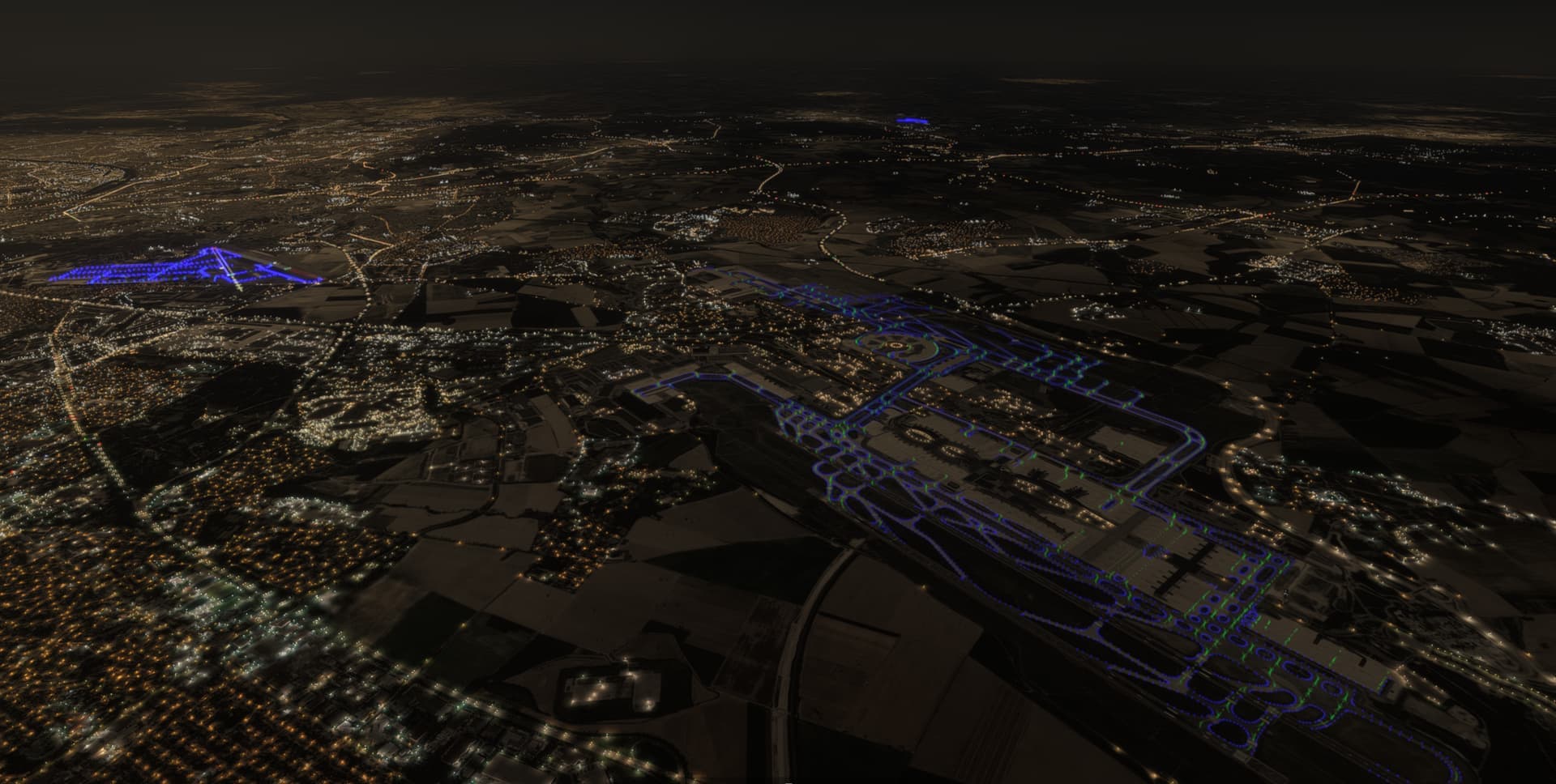
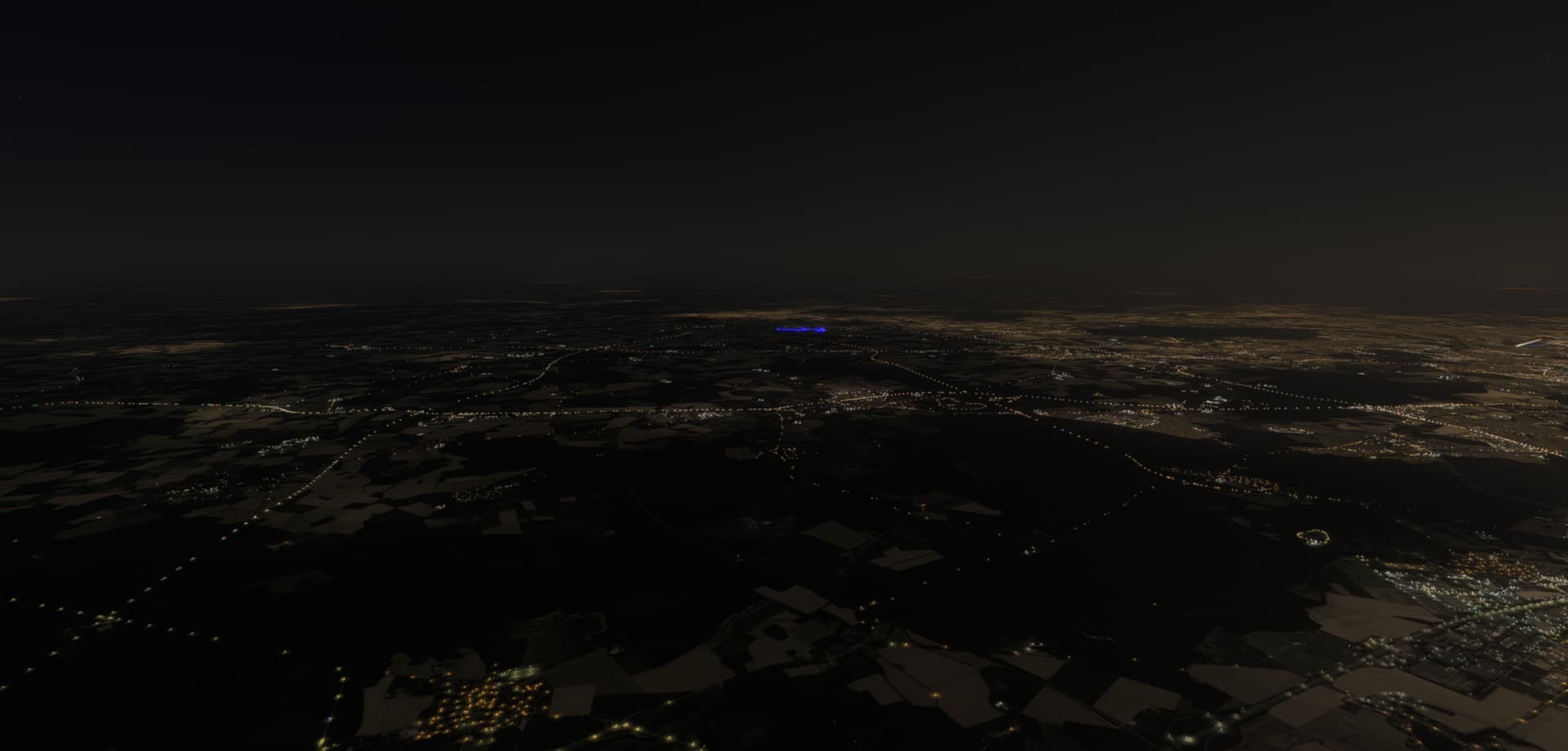
Repro steps: Go to anywhere, for example Paris at night. See airports can be spotted as a bright blue glow from far away.
Attachments:
Private attachments: Send a PM to @PrivateContent with the link to this topic and the link to download your content