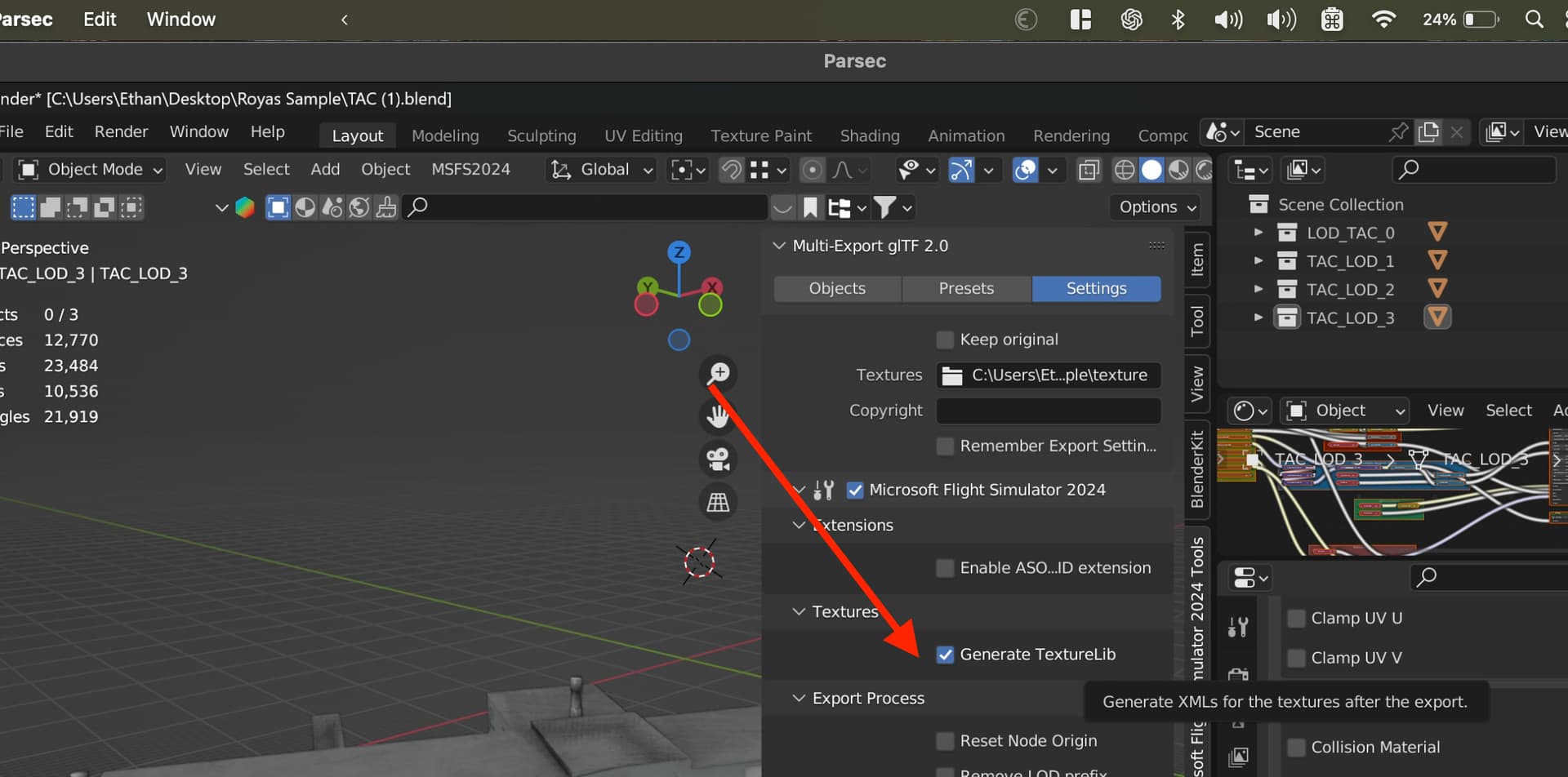
When building a package in 2024, the texture .xml files are generated automatically the first time.
But if we put in a new texture, the SDK doesn’t create these XMLs again for the new texture, causing it to not build it to the package and missing textures.
After creating this XML manually it builds ok.
I tried deleting the Package and _PackageINT folders, but no luck.
See below for reference, the highlighted texture will not get a XML.
Was the same for many other textures.
They’re not supposed to generate automatically. From my understanding, it is done as a convenience when you first load an FS20 devmode package to convert the package to work, and convert your texture .FLAGS, since the .FLAGS data is contained within the mandatory texture XMLs now.
Once it’s an FS24 devmode package, that job’s on you to create them manually, or configure and export them using the “Texture Tool” found with the 3ds Max SDK.
In project editor “Clean All”, then close project. Then open the folder “PackageDefinitions” and then open the .xml file, delete “Version=‘0’” property from SimObject type in AssetGroup, save file. Open project, click “Upgrade All” and build…
As @ximax said,
Textures XML are only generated the first time you open a msfs2020 project.
You can follow the documentation for 3Dsmax Texture tool or, for Blender, it’s specified in the readme file : C:\MSFS 2024 SDK\Tools\Blender\addons\io_scene_gltf2_msfs_2024\documentation\DOCUMENTATION.md
Yes, that’s the purpose of the whole pipeline.
You create your 3D Model, you export it to PackageSources, then you build with the PackageBuilder, and you get your final package.
Are you trying to avoid using the PackageBuilder?
No, i meant blender wasnt generating any xml files for my textures,When i said modellib/texture i meant the source folders not the final built package. For a long time no xml files weren’t being generated, But i tested the latest blender addon and it is generating the texture xml files. Maybe the earlier fellas didn’t update theirs as yet. And i just went along with them, because the last i check it wasn’t exporting them either. But it seems to be working now.
The issue I had with this, when converting a 2020 scenery project, is that the resized LOD textures don’t get XML files automatically. For most, it’s easier for me to just autoGenerate LODs than create all the XML files.