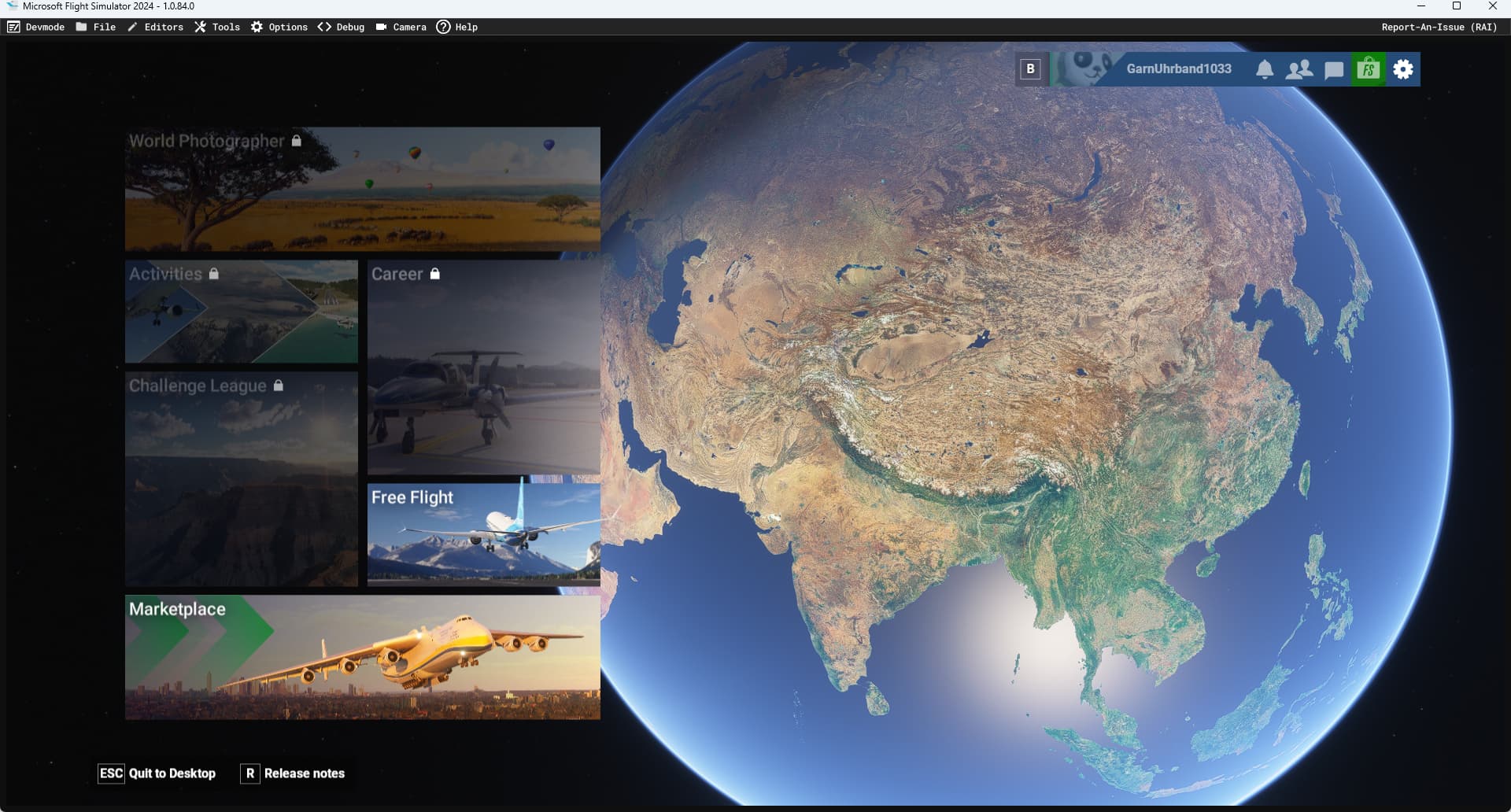
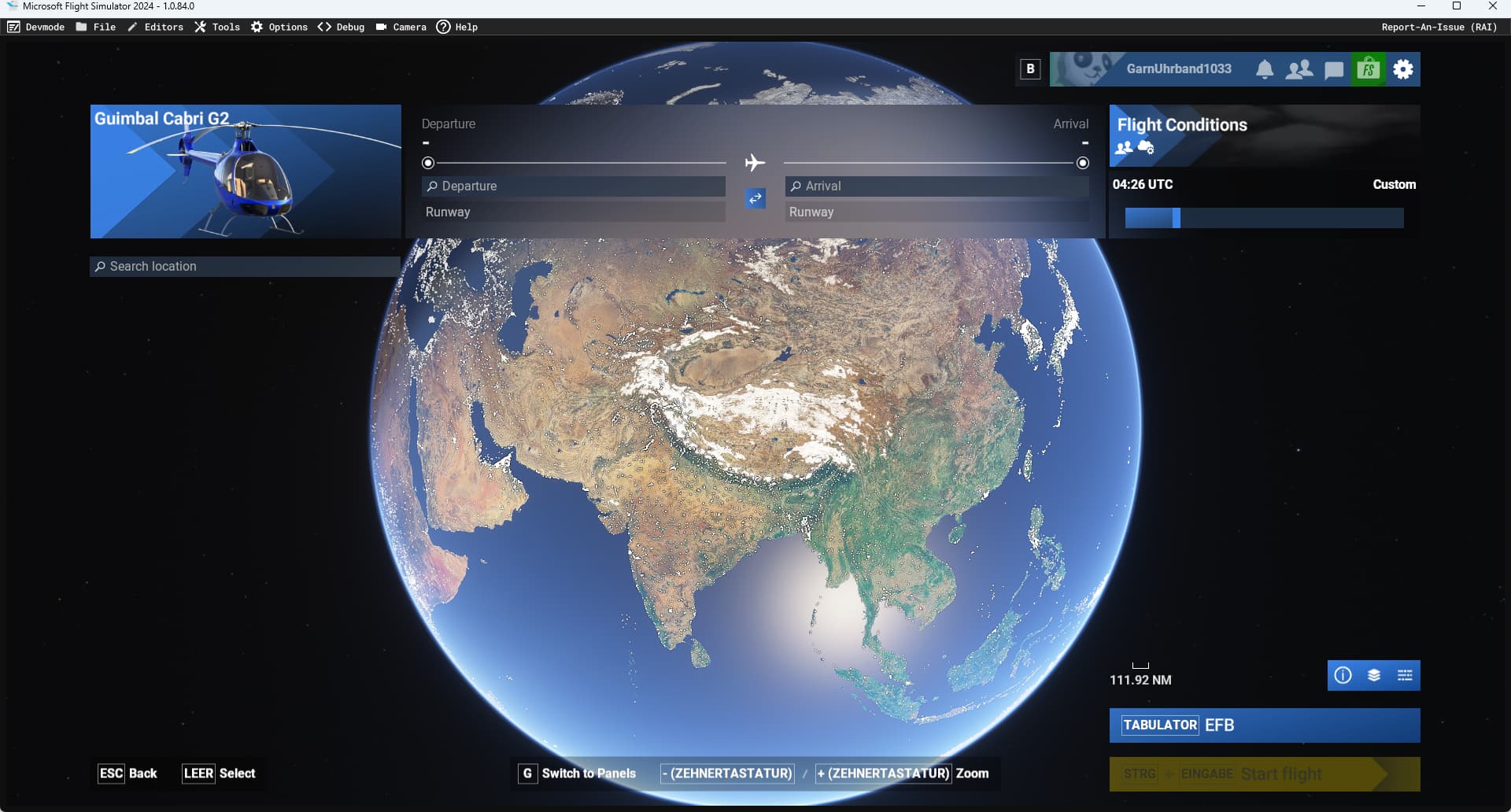
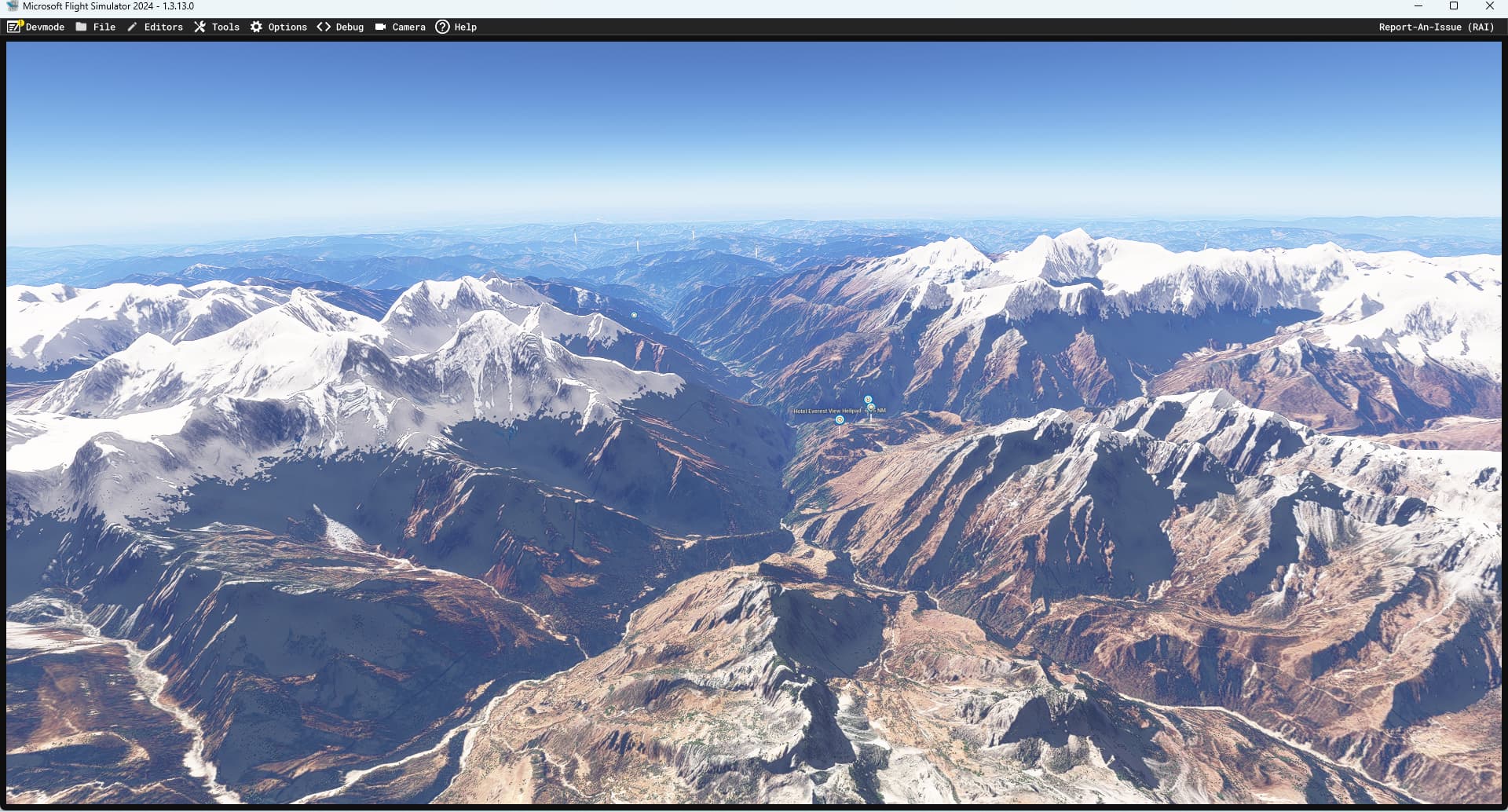
Context:
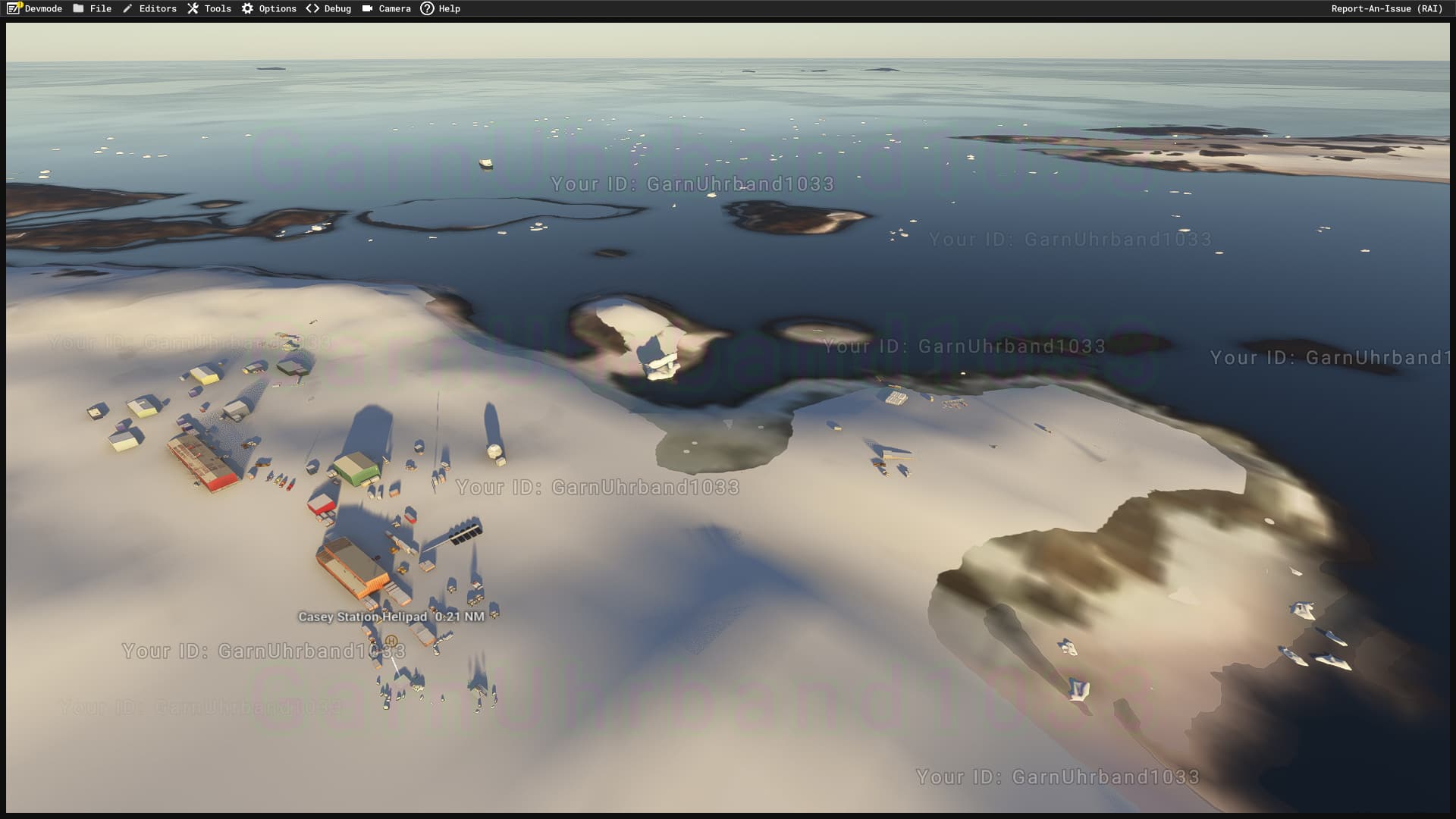
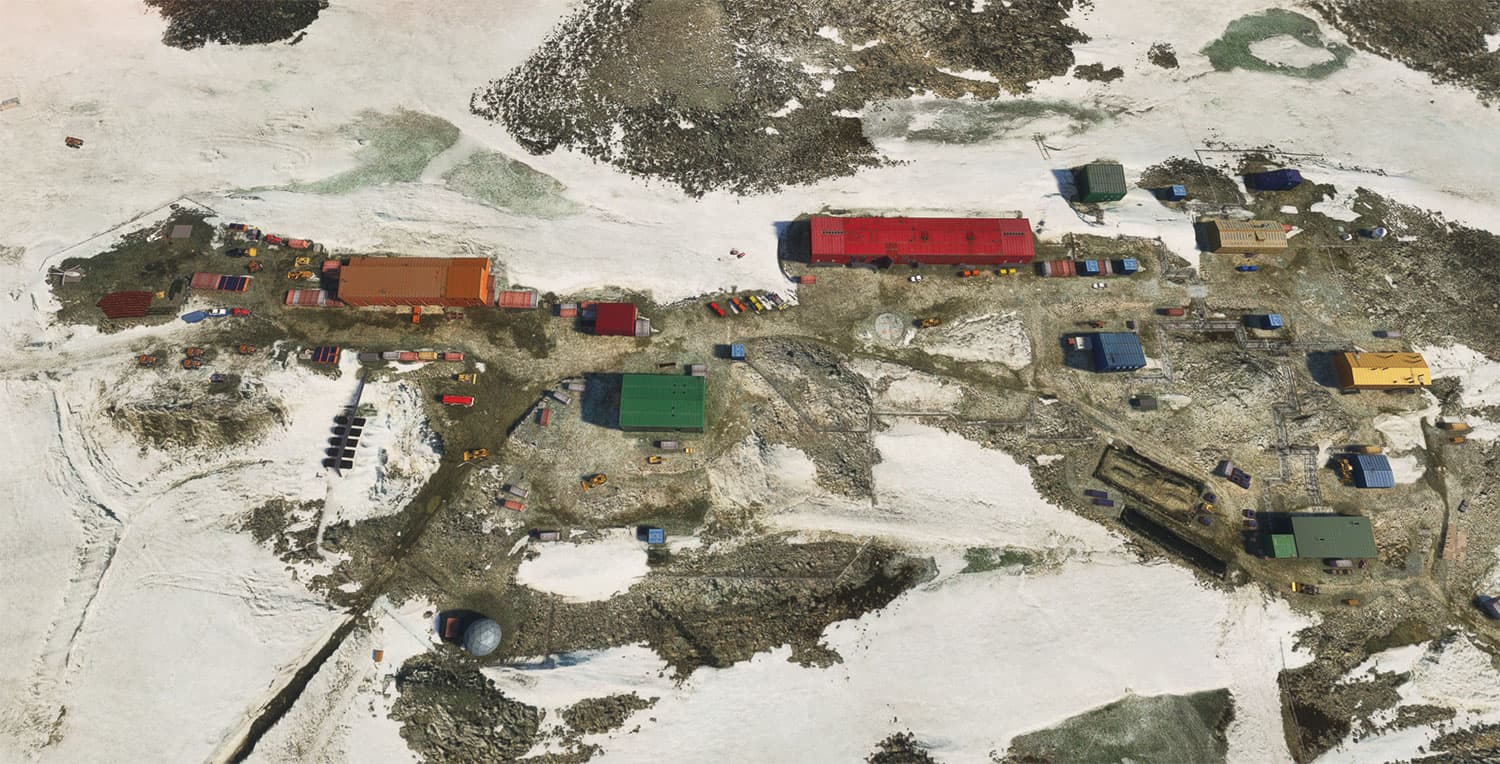
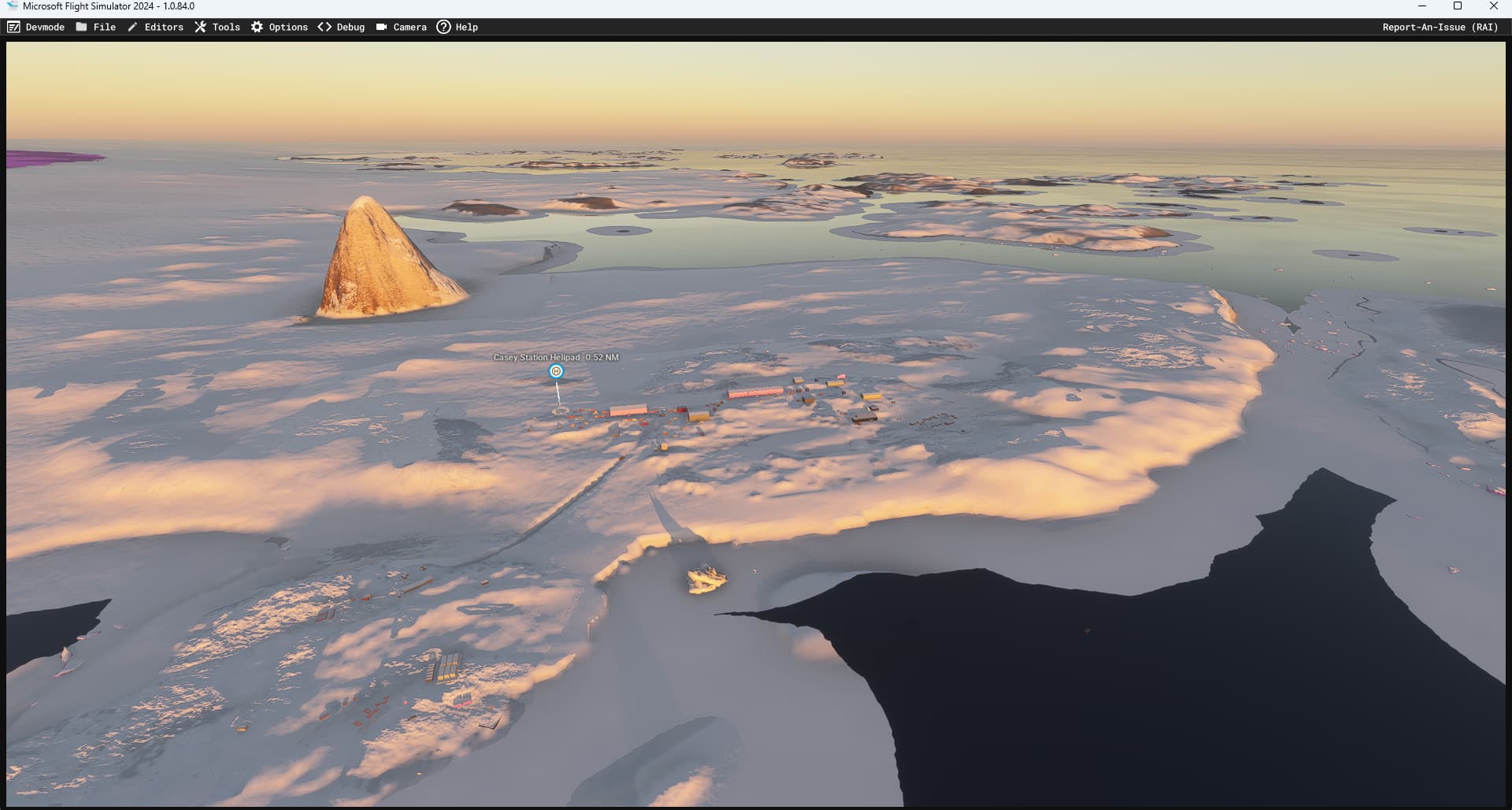
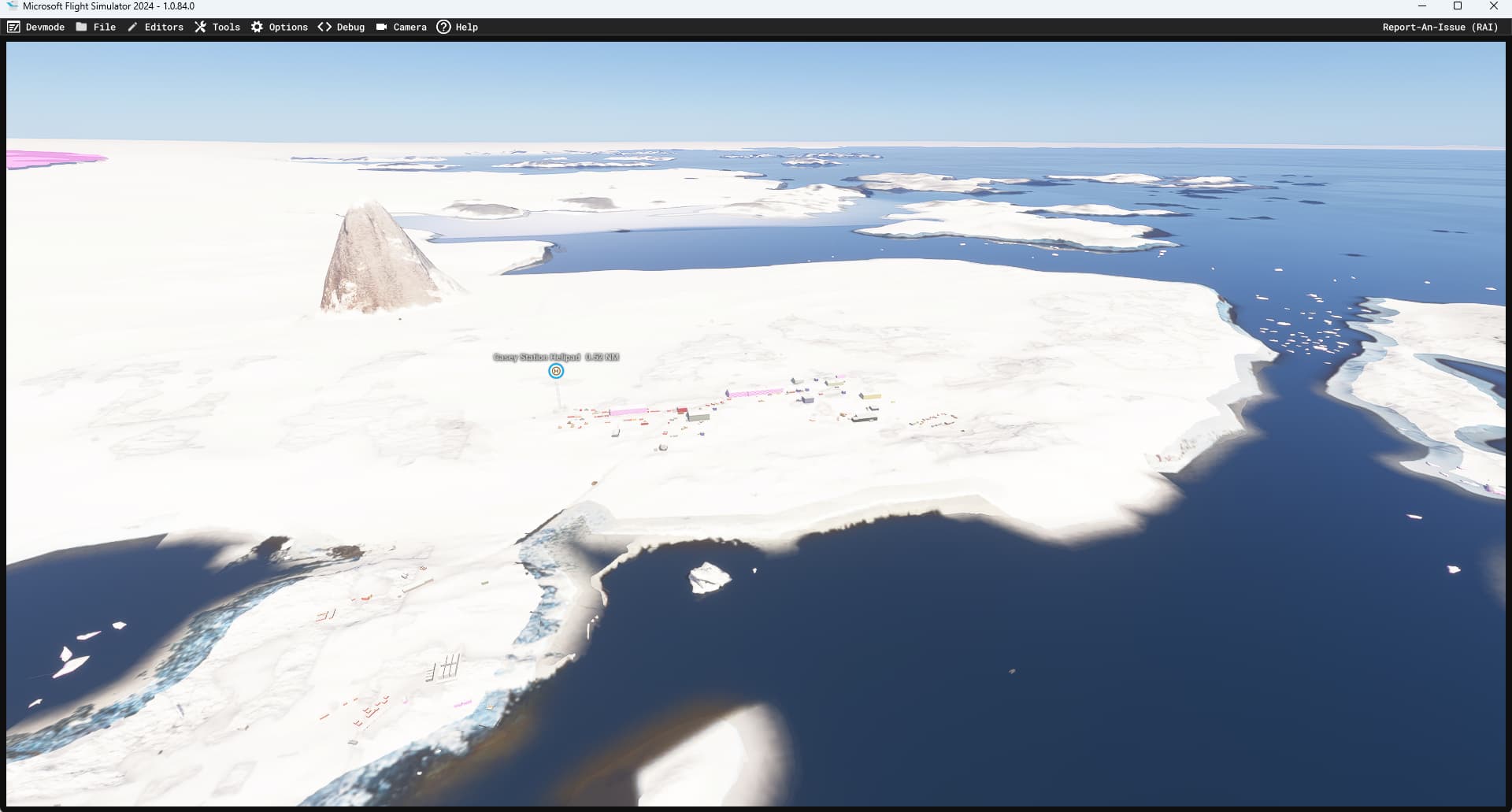
Applies to default scenery in general but particularly affects airports in either high elevation or (ant)arctic locations. In this below examples Aerosoft’s Everest (e.g. Lukla) and Antarctica (e.g. Rothera, Casey) addons.
Bug description:
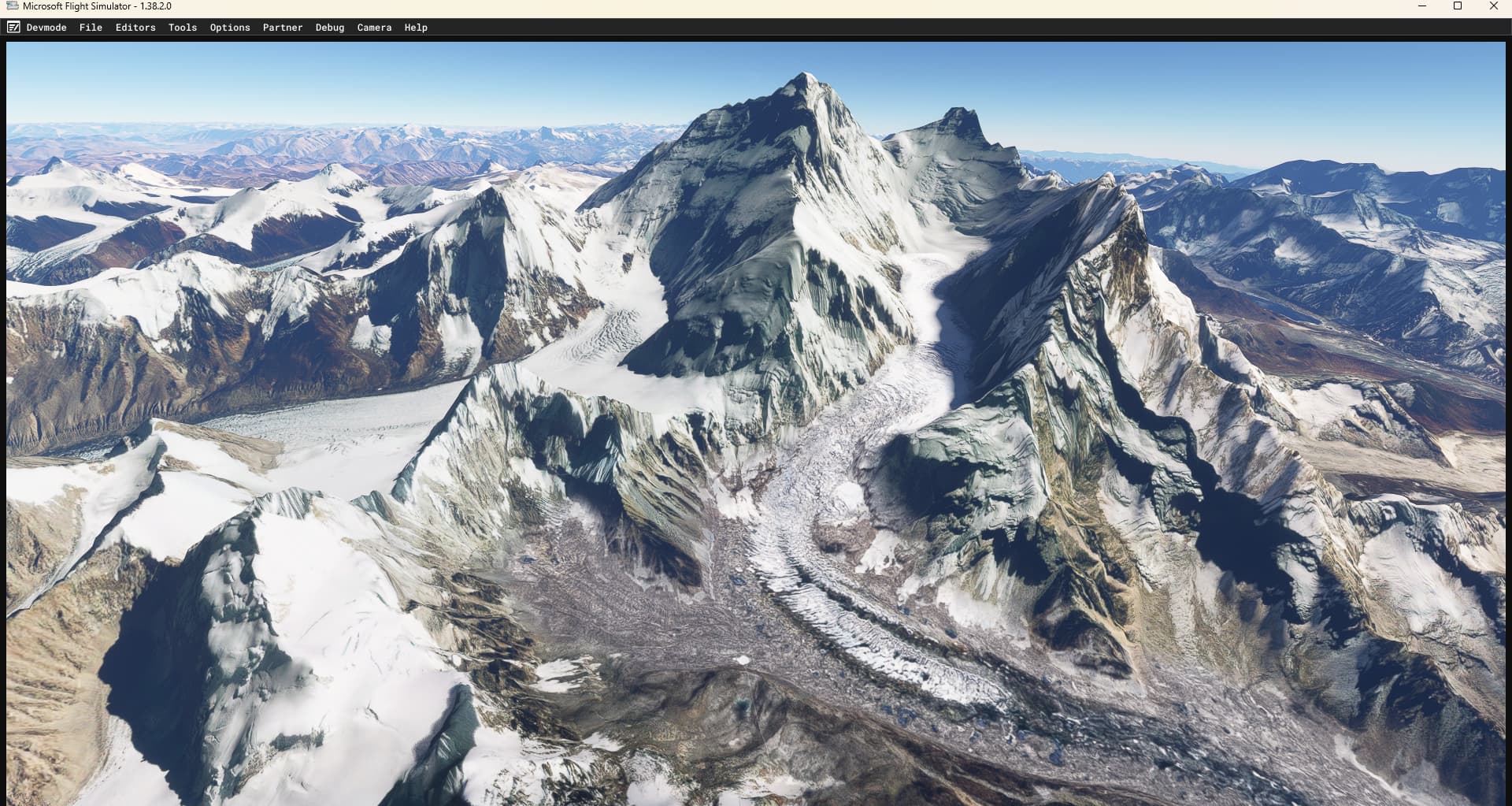
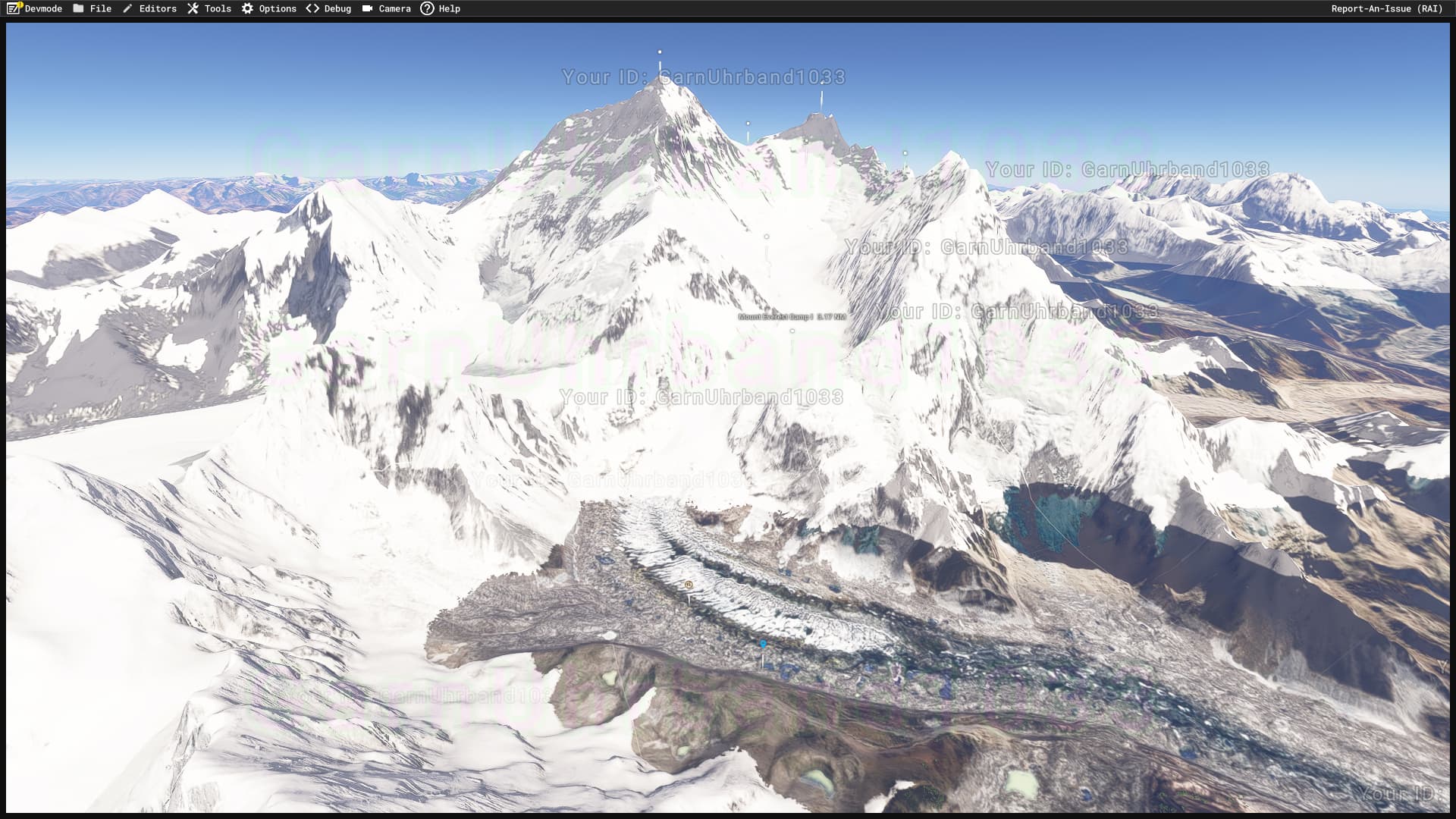
There seems to be enforced seasonal snow coverage in some regions and elevations that is completely independent from temperature, snow height or weather in general (tried both custom and real weather). Makes arctic locations and high elevation airports impossible as the snow coverage “overrules” everything.
Repro steps:
Check out Mt. Everst area, optionally together with above mentioned Aerosoft’s Everest (e.g. Lukla) and Antarctica (e.g. Rothera, Casey) addons.
Attachments:
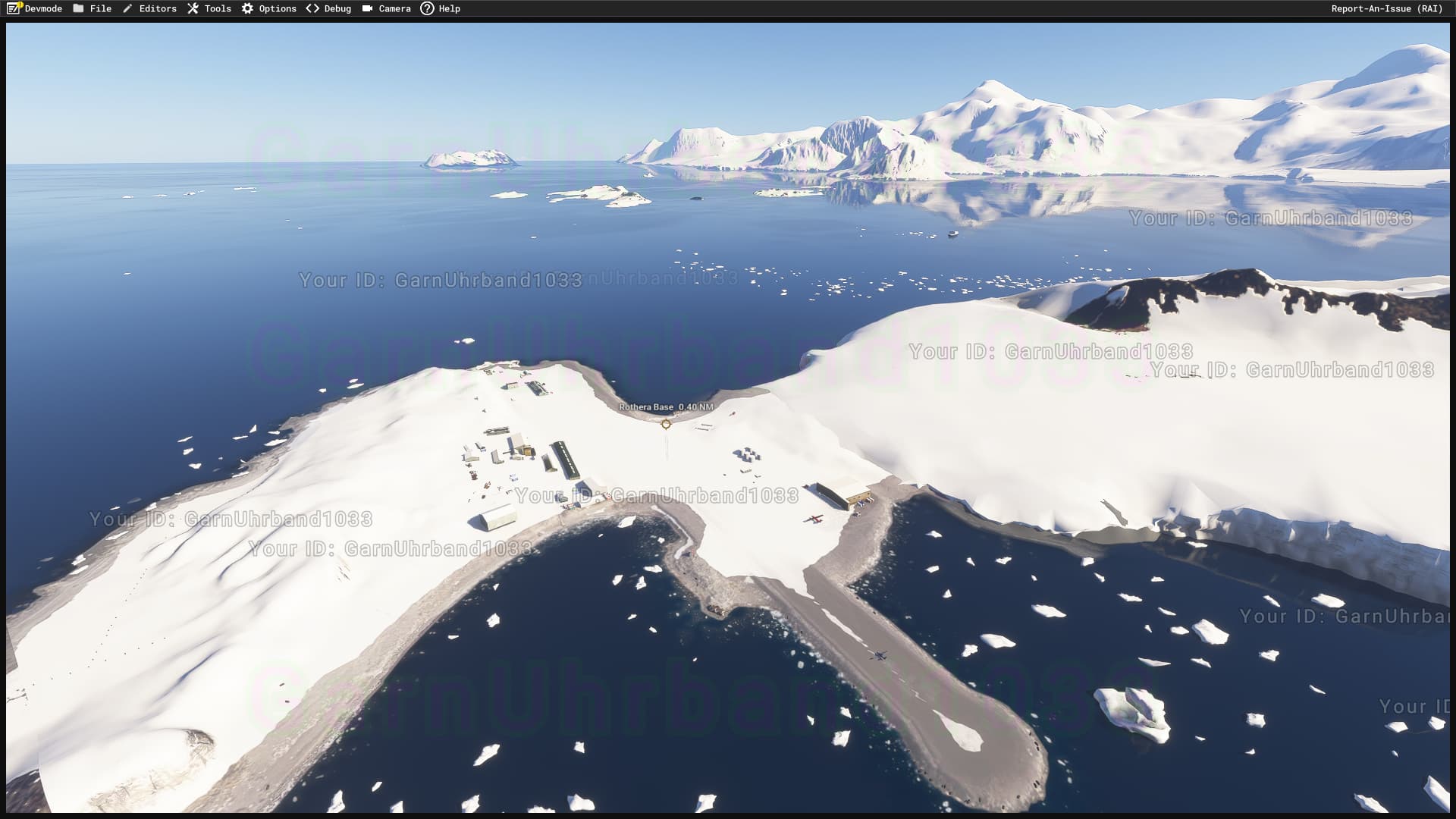
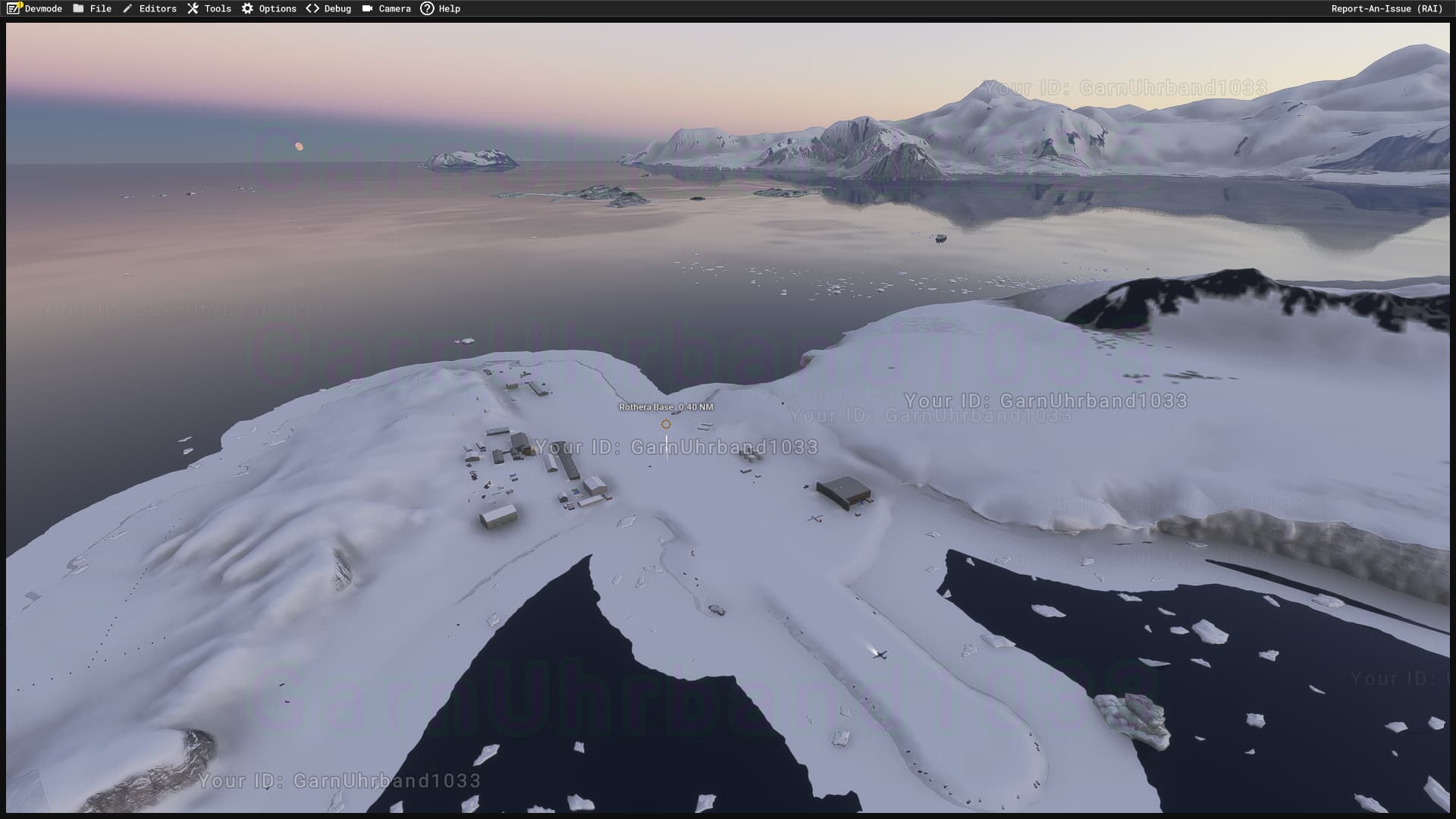
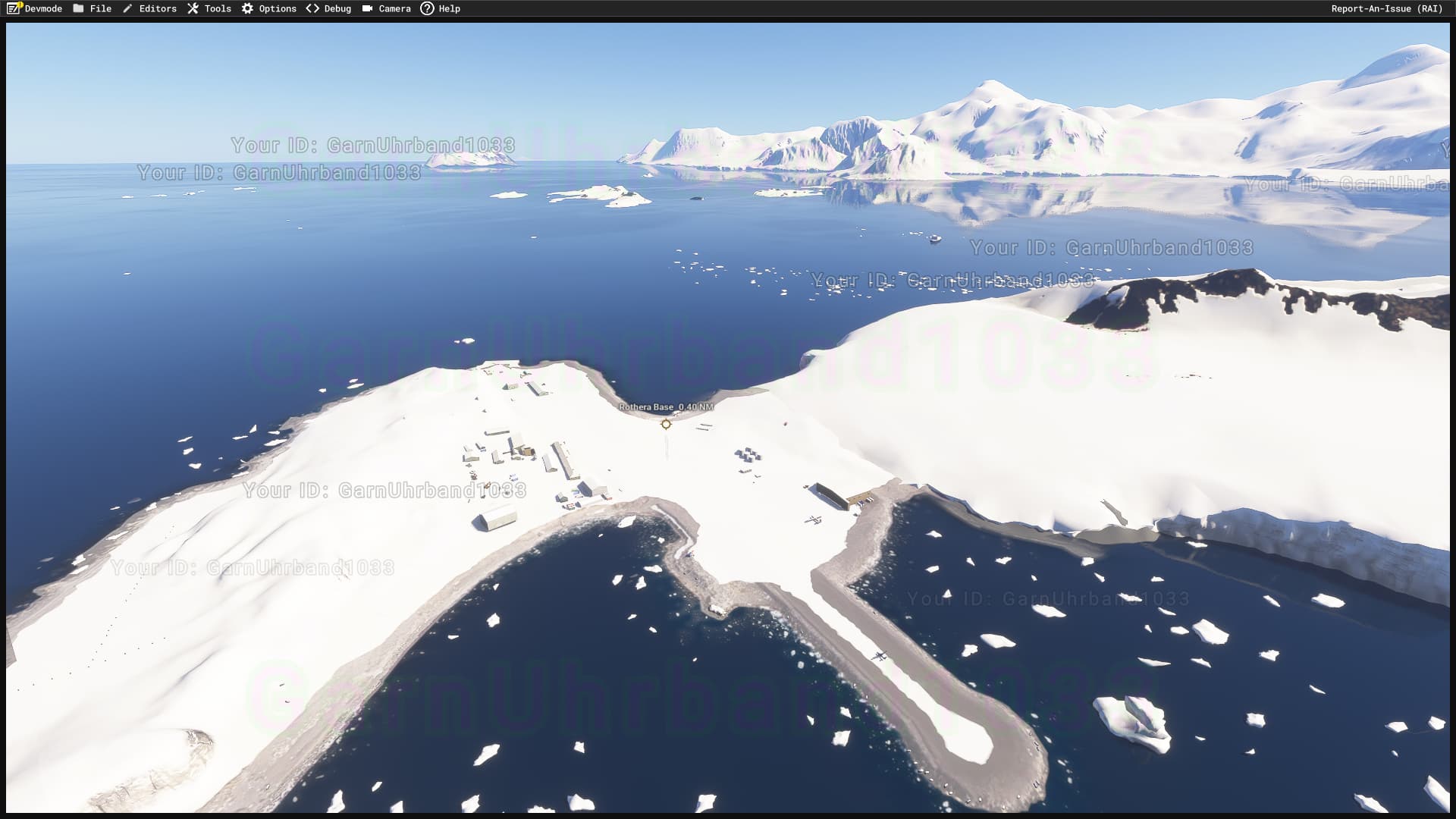
Rothera EGAR in January (only month clear of snow there)
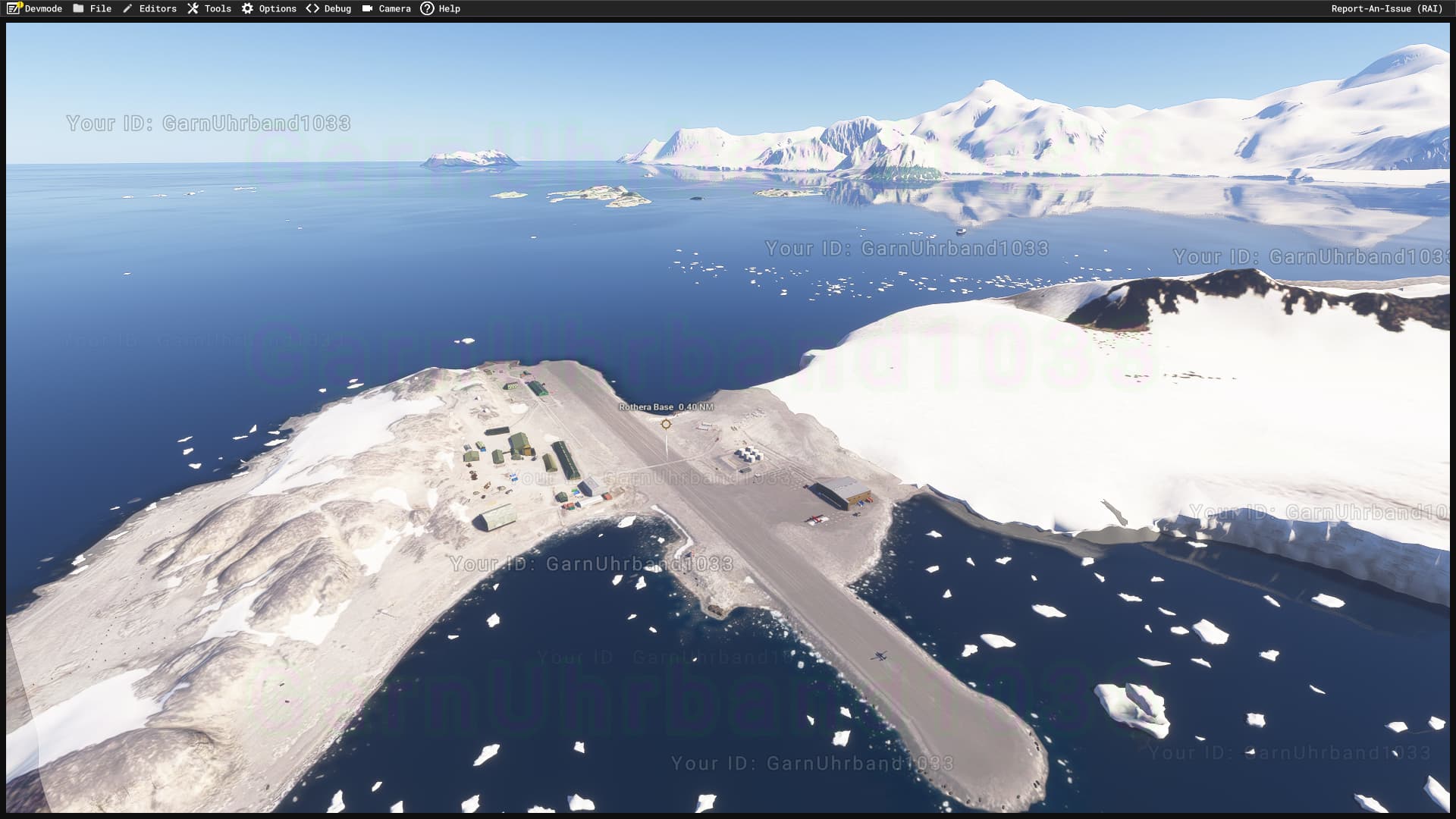
Sorry for being so persistent about this one but having enforced snow coverage breaks a few addons. I understand that weather related snow coverage cannot be suppressed to a degree but this seasonal snow even seems to be loaded on top of darker areas - so far I don’t see a way to suppress it.
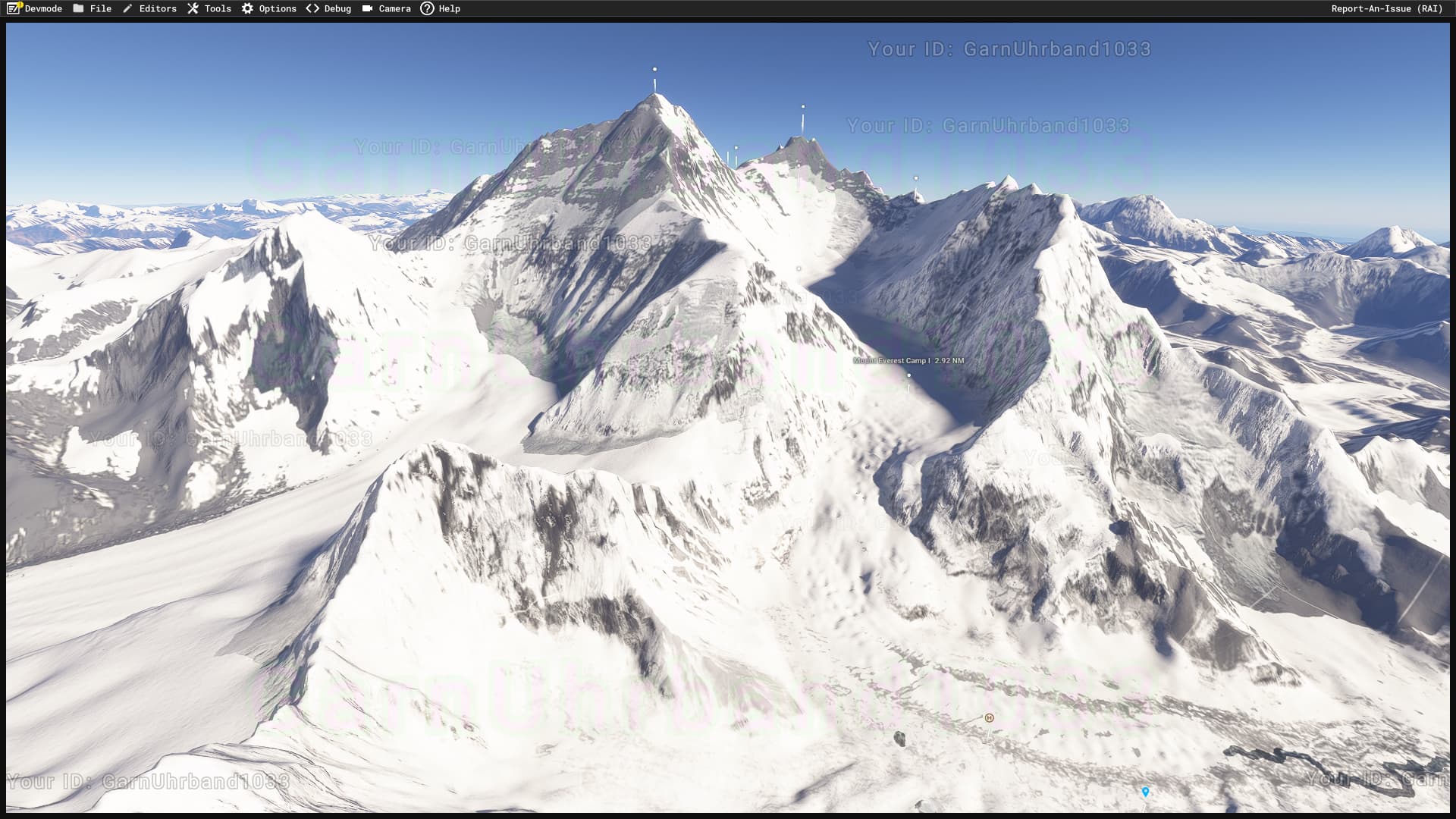
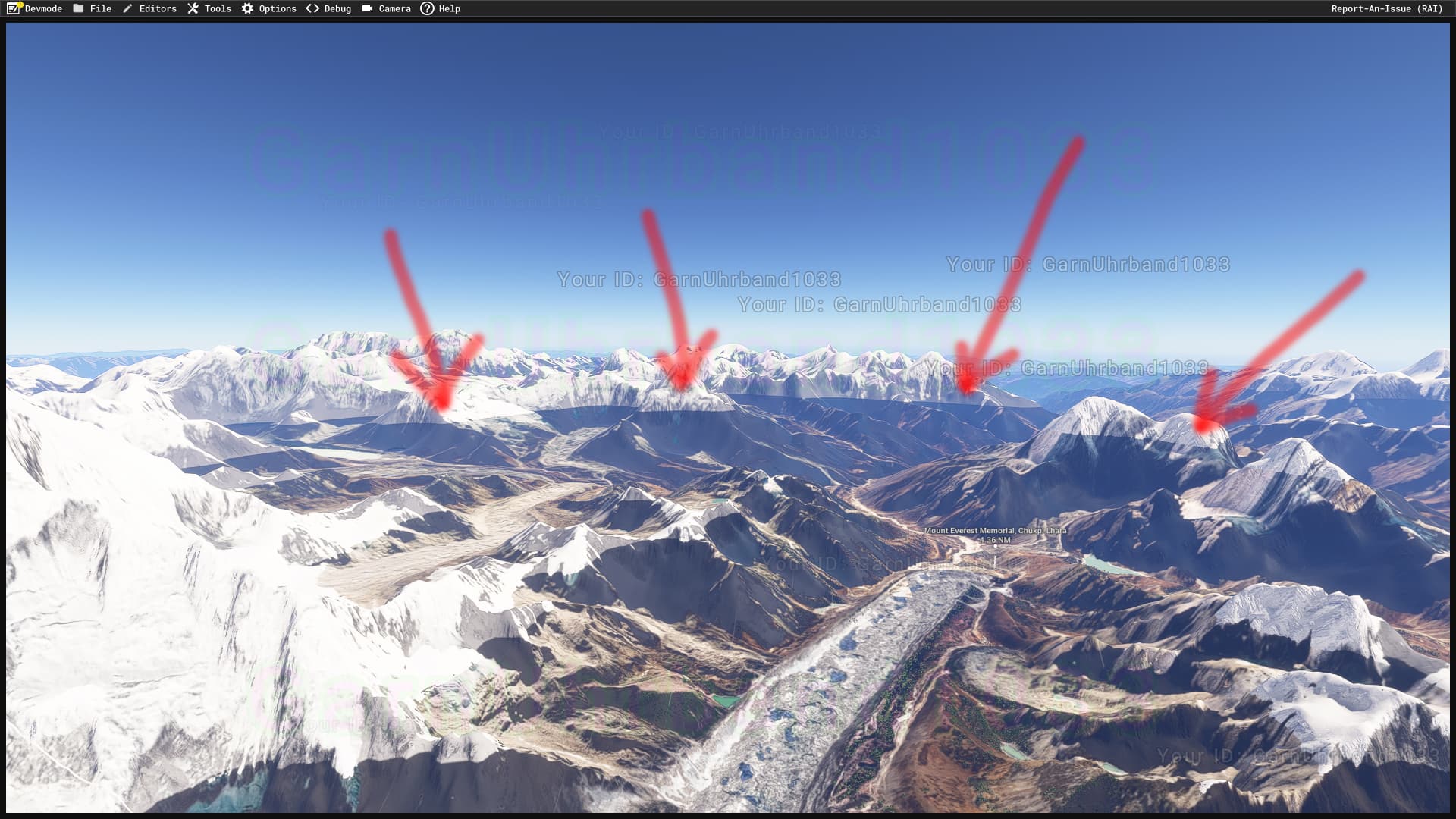
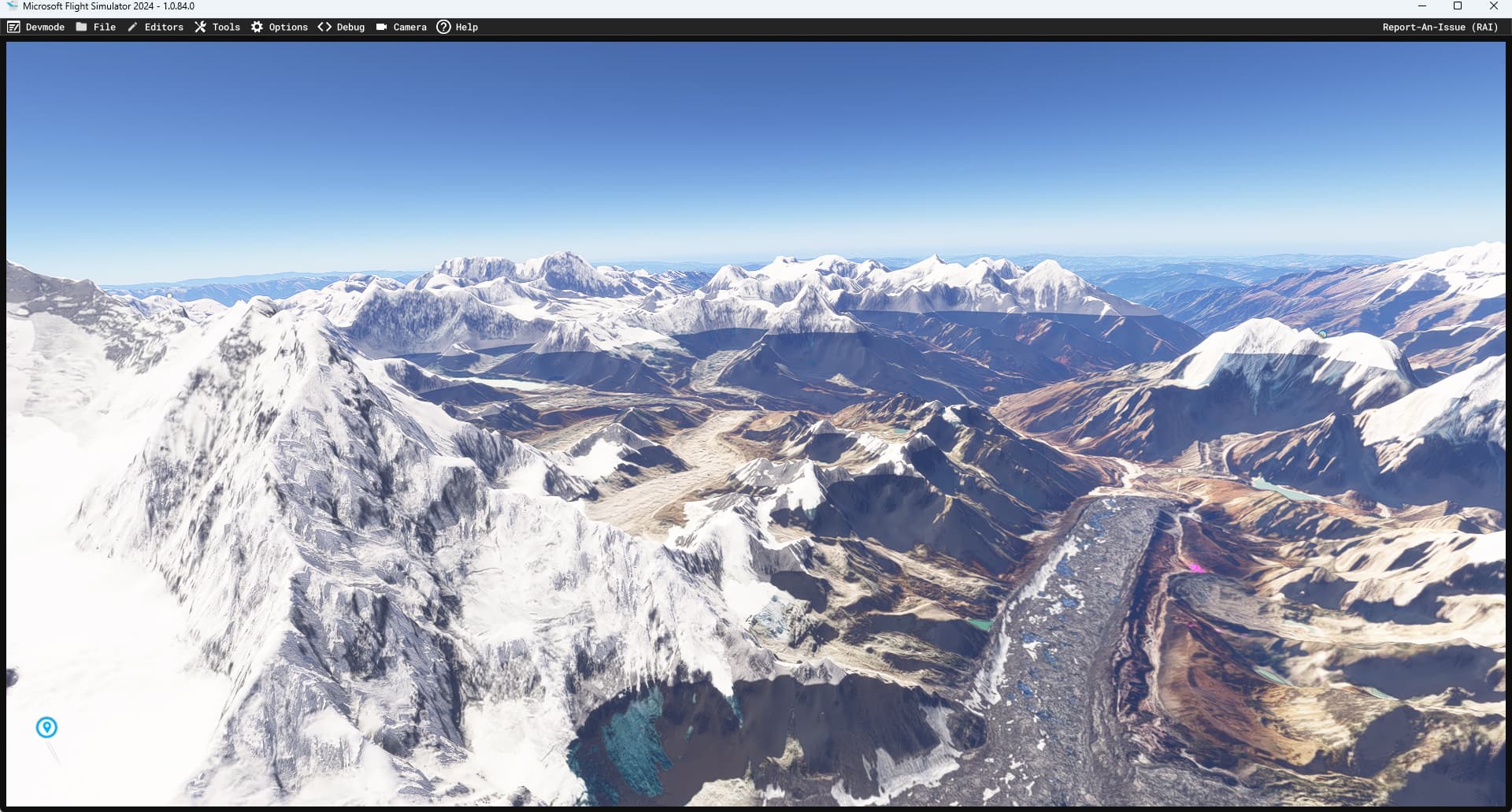
Two more screenshots to show how much these snow covers destroy realism. When switching from main menu to “free flight”, the rather unrealistic snow coverage many rather dry Himalayan regions becomes visible:
The blending between snow and no-snow areas seems to be more gentle now but there are still areas where the snow is forced on both 3D models and projected meshes. Still a huge problem that blocks whole addons!
@Boris Has anything changed about this or how it can be influenced?
I’m still struggling to get this working. The current seasonally enforced snow coverage still covers regions that should never or almost never be covered in snow.
In addition to above’s example this also applies to the “Dry Valleys” (actual name) in Antarctica:
Like the dry regions of the Himalays they almost never see snow - not even in winter. Yet they are covered in snow all year round in MSFS2024.
I agree that it’s nice to have a reliable layer or snow in some high elevation areas. But the resolution of whatever file controls this is just too coarse and there is no proper way to influence this in addons.
The only way I could find was placing a type=ASPHALT, CONCRETE or similar apron with satellite imagery mapped onto it. Downsides:
Suppresses terrain behavior (like dust animations around helicopters)
Doesn’t work for scenery items like procedural rocks so they stand out white most of the year (depending on location).
Any new developments to this topic? I’m working on Arctic environments now so a change to it would be more than welcome.
Having to set the material type to “asphalt” or similar is still a very “quick and dirty” solution.
The issue is still tracked in our system but it has not been prioritized so far.
As usual, I will notify you if a fix candidate makes it into a flighting build.