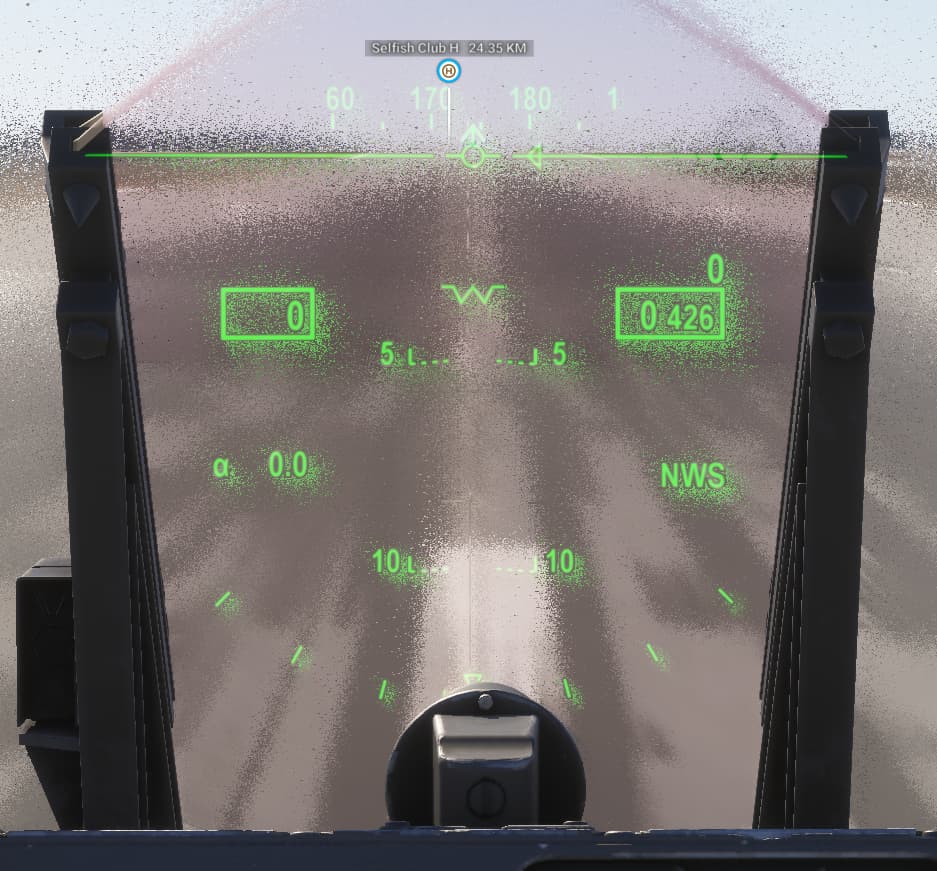
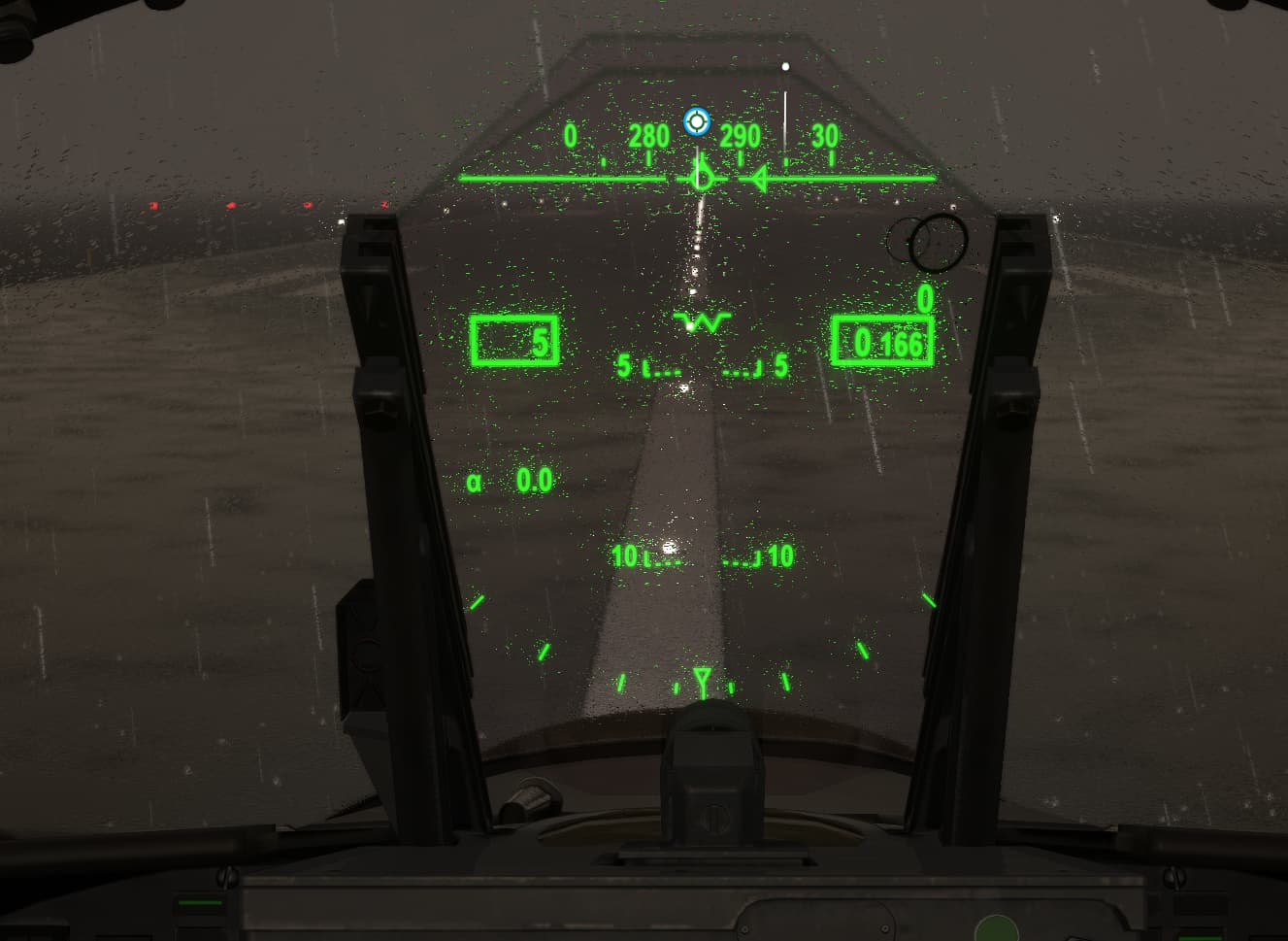
I’m showing a photo of the default F-18A for reference but notice how the distortion from the rain is getting applied to the actual HUD texture as well?
This makes it impossible to use the hud when it’s raining.
I’m hoping there’s a fix for this so that I can make sure we set it up correctly for our aircraft.
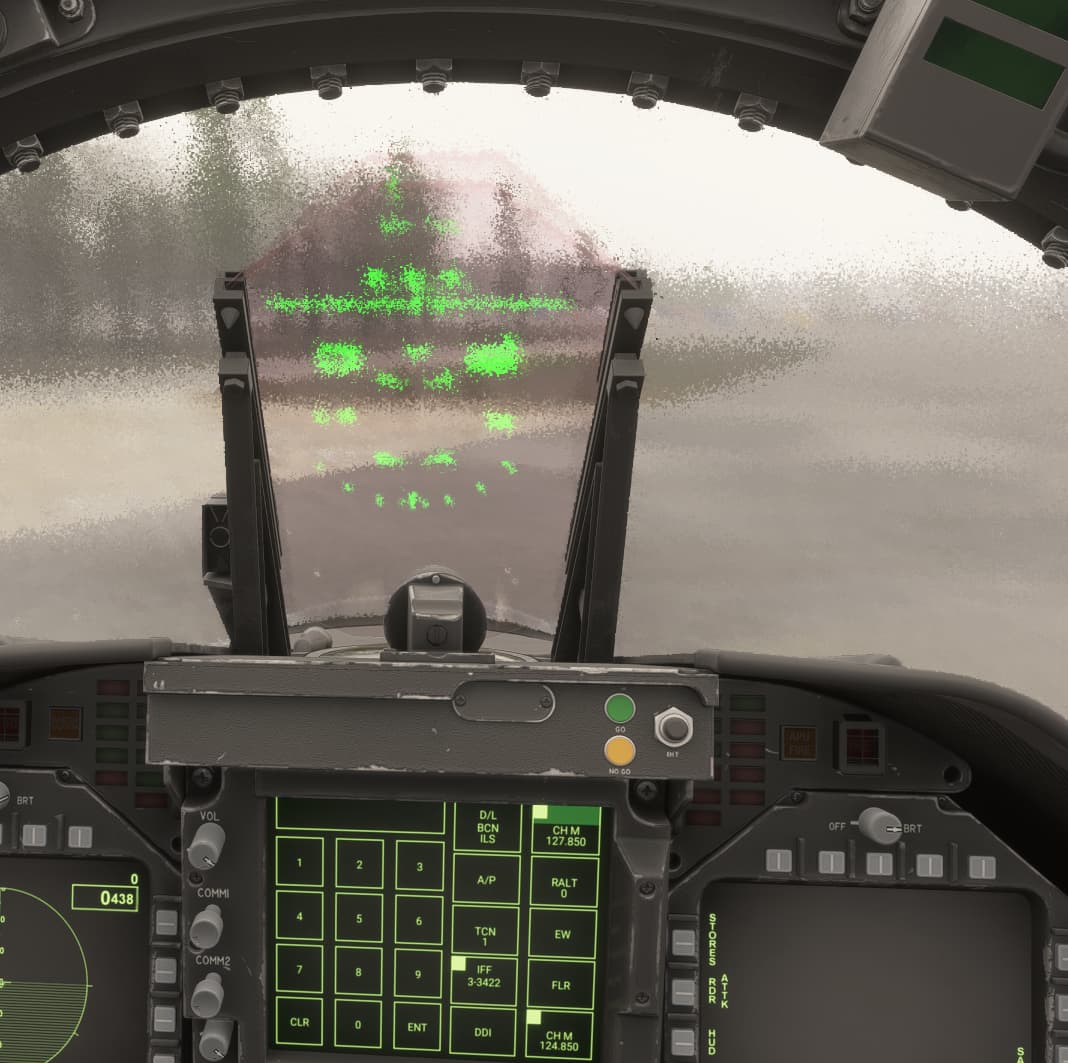
Now that SU2 has been released, we can confirm that yes, the HUD screen in the F18 doesn’t have the distortion caused by rain, but we’ve been unable to replicate the same corrected behavior in our current projects.
I can confirm that our line in the panel.cfg matches the F18, and I’ve tried many combinations of possible solutions in 3dsmax - setting different draw orders on the hud glass, changing the material type of the hud poly, material naming, etc, all without effect - the distortion remains.
Can you please point to a solution that would allow us to achieve the same fix as what’s displayed in the F18?
I have checked your aircraft that have a collimated sight (F86 and Corsair) and what I get is similar to the F/A-18 I reckon.
→ the gauge itself is no longer distorted by the rain effect, however, screen space reflections are still affecting the result
In your case, this might be a little bit worse depending on the scale of rain drops and the fact you possibly have the rain effect on both front and back faces on your windshield material?
This topic has been automatically closed after 60 days of inactivity since it was marked as fixed.
If there is important new information about this same report, you can use the “Request reopen” button below to ask the moderation team to review it again.
For other issues or broader discussion, please open a new topic in the appropriate category.