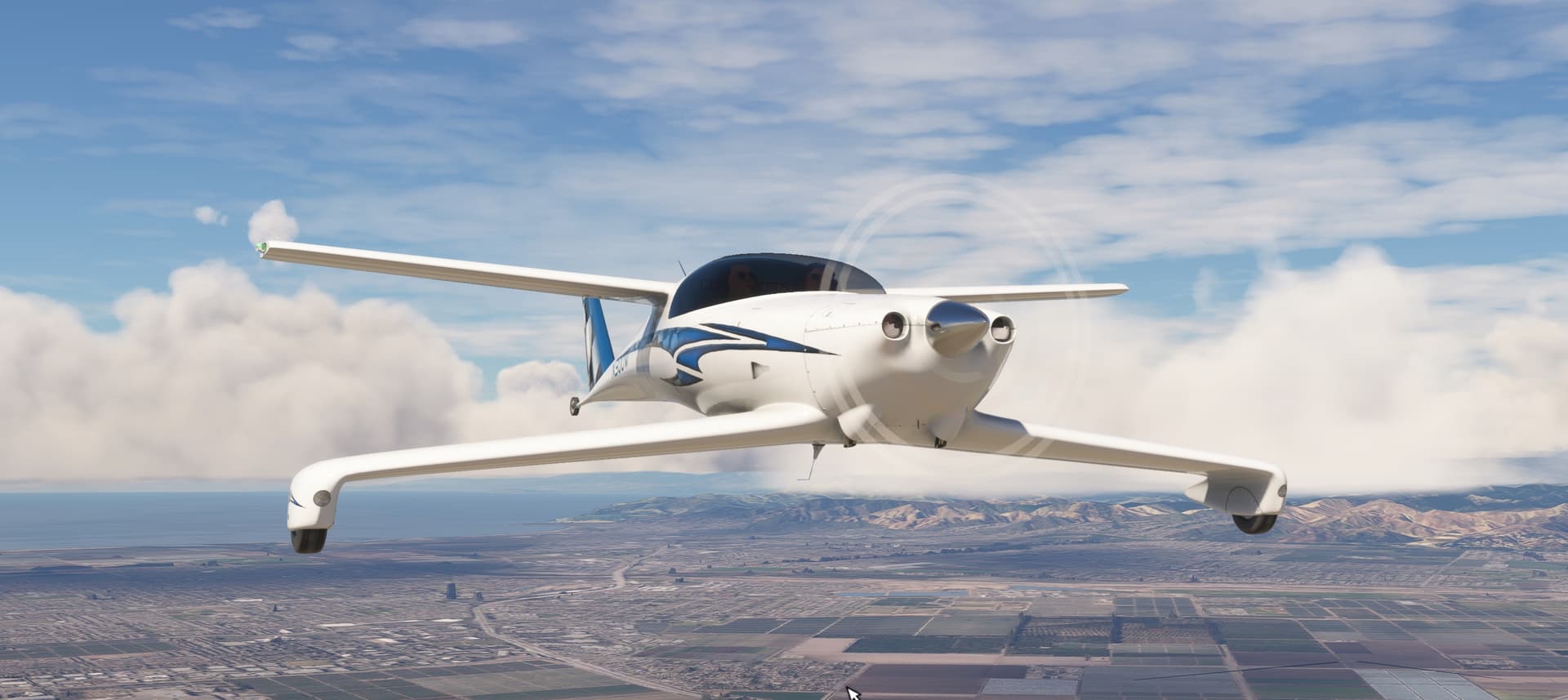
The LHC Q200 Dragonfly that has an Asobo soundpack PCK file in it, is not heard by many customers in MSFS 2024.
The package is pure MSFS 2020 and is cross running in 2024 fine, except a fueling issue, and sound…
The sound pack is the Asobo_XCub.PC.PCK I did request permission to use this in the package, to make sure it always worked fine. MS had no problems with that. But its not working in certain computers or platforms, and I wondered… Could it be that this does not work in XBox? Does XBox use a diff sound file format? This one for instance says its Asobo_XCub.PC.PCK Does the PC stand for standard PC computers and a diff version is for XBox?
Did you re-build the package with the sounds for FS24? There are issues where a direct copy/paste without modifying the layout file first can cause issues (and sounds to not load). You’ll need to either run the layout generator as is, or do a new build with the sound file to get a properly built layout file. Also ensure that the aircraft.cfg is directing to the proper sound folder with empty quotes.
The PCK files work across platforms, so no issue there.
The config for the PCK is modified, but it should work.
Also, it works if I bring in the package through Community folder. Because I have this issue and a glass issue, that only appear when MCP convert these to run in 2024, I believe that MCP is causing breaks in the files somewhere in the conversion for 2024 Streaming.
Looking at version 0.1.2 of your package, it doesn’t contain any PCK but instead references the sound folder from another package (C152 and not XCUB as far as I can see - sound = \..\..\Asobo_C152\sound in aircraft.cfg).
As explained in the other topic, the issue is that the C152 has become modular in MSFS2024 so the path you are using doesn’t exist anymore. I suspect the safe way to do this would be to copy the PCK from the C152 package to yours if Microsoft allows you to do so.