Tools - Toolbar

Version: 1.4.14.0
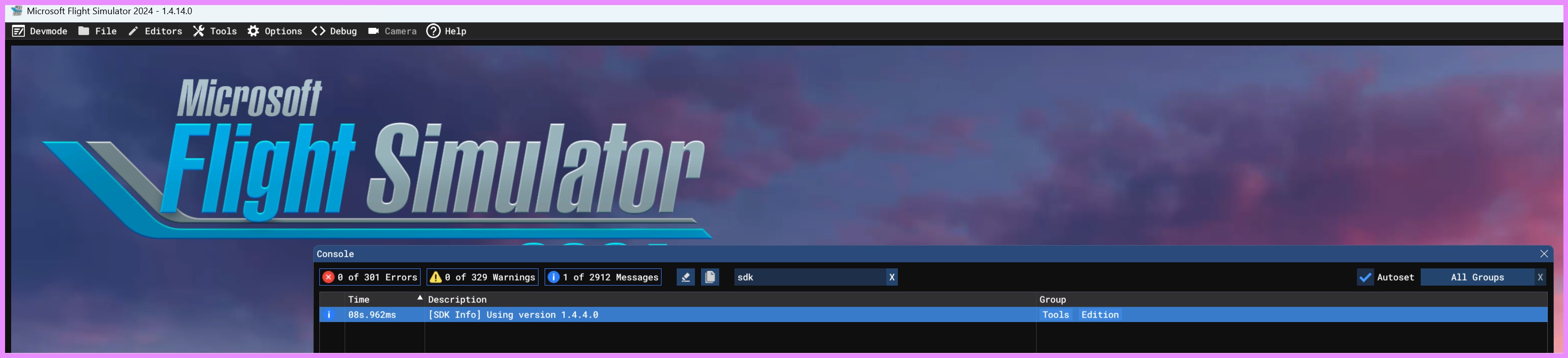
Documentation 1.3.3 (SDK 1.4.4.0)

Frequency: Consistently

Severity: High

Marketplace package name: Not applicable

Context: When editing …

Similar MSFS 2020 issue: Not applicable

Bug description:
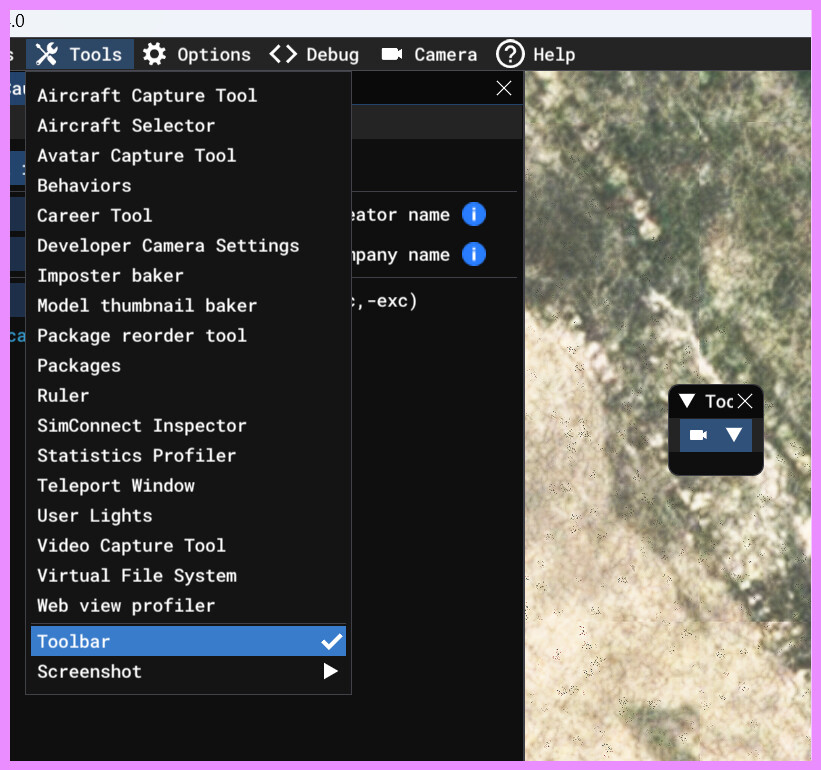
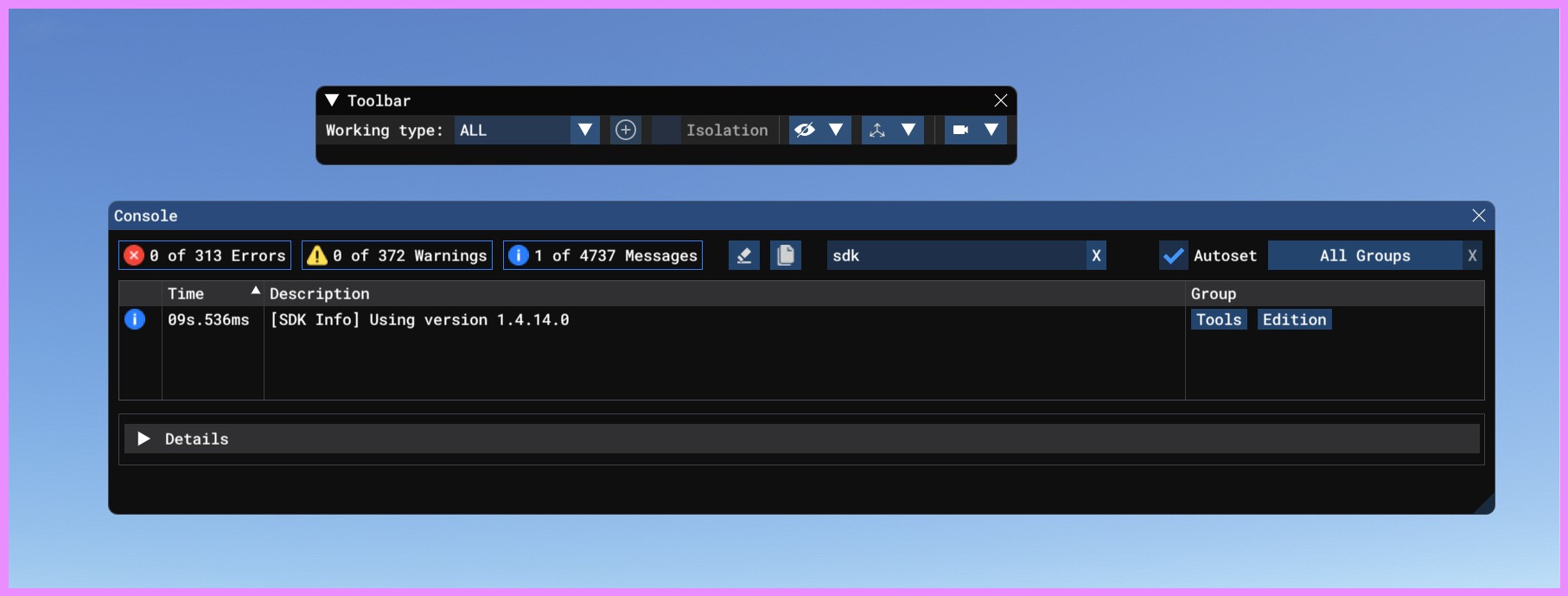
When enabled, you cannot change the size of the floating window. So the menus inside are hidden and not clickable.

Repro steps:
DEV Mode\Toos\Toolbar
Attachments:
Hello @ClevererElm8055

The Toolbar will display more tools when the SceneryEditor is being used.
That said, increasing its minimum size would probably be a good thing anyway.

Regards,
Sylvain

Hello @FlyingRaccoon,

As of now everything seems to be working fine.

Thanks you,
Giovanni

1 Like

Hello @ClevererElm8055

This is fixed with SU3 beta 1.5.1.0

Regards,
Sylvain

1 Like

This topic has been automatically closed after 60 days of inactivity since it was marked as fixed.

If there is important new information about this same report, you can use the “Request reopen” button below to ask the moderation team to review it again.
For other issues or broader discussion, please open a new topic in the appropriate category.